If you’ve ever used Kahoot in your classroom, you already know how much fun learning can be when students get to play, compete, and learn at the same time. But sometimes, you might want to switch things up or try something new that fits your teaching style better. That’s where Kahoot alternatives come in. In this blog, we’ll explore 17 amazing tools that bring the same excitement to learning while offering different features, question formats, and ways to keep your students engaged. Whether you teach online, in-person, or in a hybrid setup, there’s something here that will make your lessons more interactive and enjoyable for everyone.
What is Kahoot?
Kahoot is an online learning platform that turns traditional quizzes into lively, game-based experiences. Launched in 2012 in Norway, it gives teachers, trainers, and presenters an easy way to create interactive quizzes, polls, and lessons. Students or participants can join in using a unique PIN on their phones, tablets, or computers, answering questions in real time.
The setup is simple: one person hosts the game while others join as players. What makes Kahoot stand out is its bright visuals, upbeat music, and competitive spirit that keep learners engaged. It’s designed to make learning feel more like play, encouraging participation from everyone.
That said, Kahoot does have its limits. Some users wish for more customisation options, higher participant capacity, and flexible pricing. Because of this, many educators explore other tools similar to Kahoot that better fit their teaching needs.
17 Best Kahoot Alternatives You Can Check Out Right Now
| Tool | What It’s Best For | Ideal Users | How Teachers Can Use It |
|---|---|---|---|
| Interactico | Encouraging live participation through polls, quizzes, and games. | HR professionals, educators, corporate trainers, and event hosts. | Teachers can use it to make lessons more interactive during live sessions or workshops. |
| Mentimeter | Creating interactive presentations that involve real-time responses. | Corporate trainers, university professors, and speakers at seminars. | Teachers can use live polls and word clouds to check students’ understanding during lessons. |
| Quizizz | Adaptive learning and gamified quizzes for classroom or homework. | Teachers, trainers, and students of all levels. | Helps teachers assign quizzes that adapt to each student’s pace while tracking progress automatically. |
| Blooket | Turning learning into a game through competitive quizzes. | Primary and middle school teachers. | Teachers can host classroom competitions that keep students motivated while reviewing lessons. |
| Brightful | Building teamwork and connections among remote groups. | Businesses, teachers, and corporate trainers. | Teachers can use it for virtual icebreakers or online group activities to improve collaboration. |
| Quizlet | Learning through flashcards and study sets. | Students and teachers across schools and colleges. | Teachers can create digital flashcards for quick revision and self-study activities. |
| Slido | Interactive Q&A sessions and live polls. | Companies, webinar hosts, and educational event organizers. | Teachers can use it during parent-teacher meetings, seminars, or large classroom sessions to collect instant feedback. |
| Socrative | Real-time formative assessments and quizzes. | K–12 teachers. | Teachers can instantly check students’ understanding with quick quizzes or exit tickets. |
| ClassMarker | Creating secure online tests and certifications. | Professional training institutes and certification bodies. | Useful for teachers who conduct exams that need high security and reliability. |
| Acadly | Continuous learning and class interaction. | Teachers and students in higher education. | Teachers can share lectures, attendance links, and live questions to keep students engaged even after class. |
| Beekast | Brainstorming, group discussions, and collaboration. | Trainers, teachers, and corporate facilitators. | Teachers can use it to collect student ideas and promote teamwork during projects or discussions. |
| Gimkit | Reviewing lessons through interactive games and practice rounds. | Middle and high school teachers. | Teachers can host live review games or assign homework tasks where students earn rewards while learning. |
| Baamboozle | Making fun and simple quizzes for younger students. | Primary school teachers. | Ideal for warm-up activities, vocabulary games, or subject-based practice for children. |
| Slides With Friends | Turning slide shows into engaging games or polls. | Corporate trainers, teachers, and event facilitators. | Teachers can make PowerPoint-style lessons more interactive with built-in quizzes and activities. |
| Crowdpurr | Engaging large audiences at events and conferences. | Business trainers, event planners, and educators. | Teachers can use it during assemblies or school events to host live polls or interactive competitions. |
| Factile | Running classroom quizzes similar to a TV game show format. | Teachers and students across grades. | Teachers can create quiz boards that make revision more exciting and competitive. |
| Nearpod | Creating and delivering fully interactive lessons. | Teachers at all grade levels. | Teachers can combine slides, videos, and quizzes into one interactive lesson, ideal for both in-person and online classes. |
-
Interactico (Best Overall)
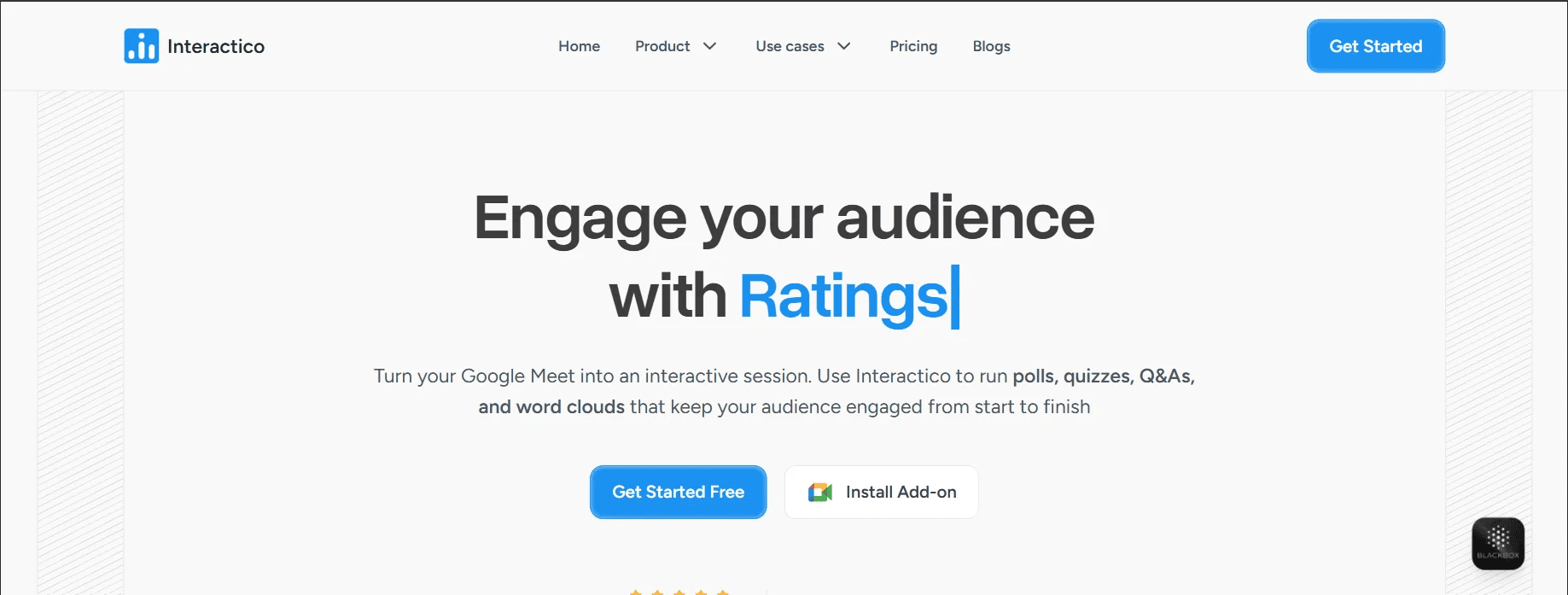
If you use Google Meet often, Interactico might become your new favourite tool. It adds polls, quizzes, word clouds, and Q&A features directly into your video calls so you don’t have to keep switching between tabs. It’s easy to set up and even easier for students to join, as it requires no downloads, just a link.
The real-time analytics help you see who’s participating and how engaged everyone is. You can adjust your session as you go. It’s perfect for virtual and hybrid classrooms where keeping students involved is a challenge.
Top Features:
- Polls, quizzes, and word clouds inside Google Meet
- Instant feedback and engagement tracking
- Quiz branching with personalised learning paths
- Custom branding and lead capture (on higher plans)
- No downloads or signups needed for students
Pricing:
- Free: Up to 3 events with 3 activities per event
- Pro: $10/month for more events and features
- Plus: $20/month with custom branding and 75 interactions per event
-
Mentimeter
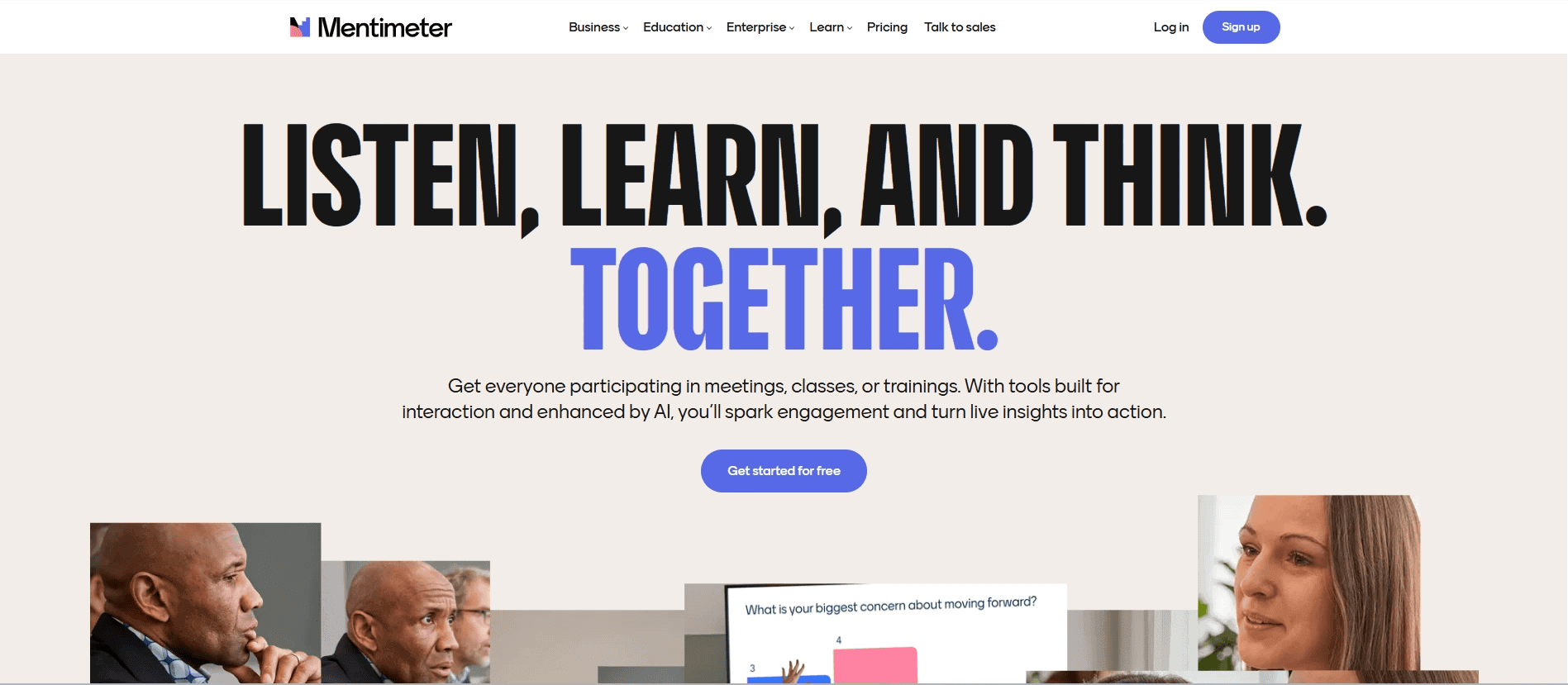
Mentimeter is a go-to for teachers who want to make their presentations more interactive. You can run polls, quizzes, Q&A sessions, and even word clouds. It works well both in class and online, and the clean interface makes it quick to use.
Teachers love it for quick check-ins and instant feedback. It’s also helpful for spotting learning gaps early with its built-in reports.
Top Features:
- Live polls, quizzes, and word clouds
- Q&A tools and ranking activities
- Templates for fast setup
- Integration with PowerPoint, Zoom, and Teams
- Export reports to Excel or PDF
Pricing:
For Teachers & Students:
- Free plan available
- Basic: $10/month
- Pro: $16/month
- Campus Plan: Customizable
For Individuals & Teams:
- Free plan available
- Basic: $13/month
- Pro: $27/month
- Enterprise Plan: Customizable
-
Quizizz
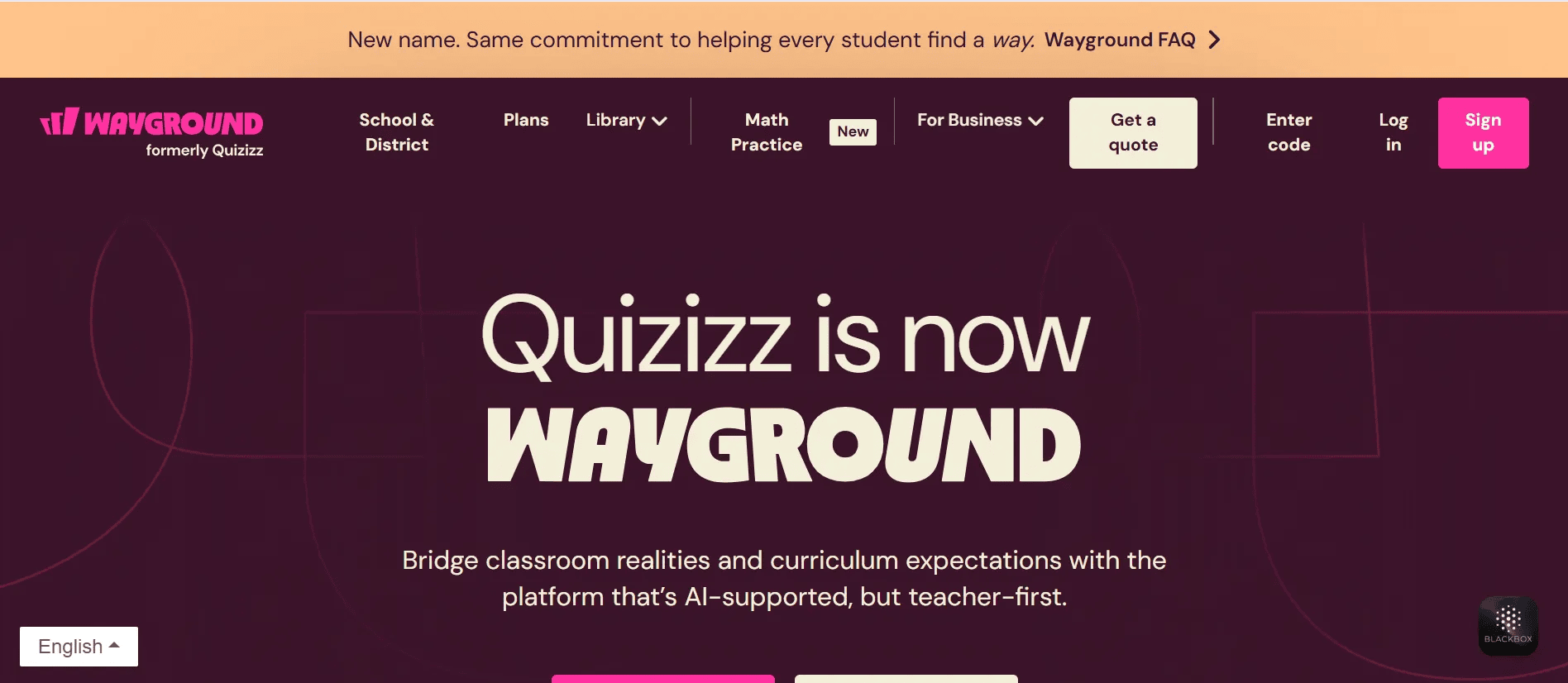
Quizizz is a favourite for classrooms that want fun, game-style quizzes. It works for both live sessions and homework, so students can go at their own pace. There’s a massive library of content, and the AI-powered tools help teachers create or tweak quizzes quickly. The detailed analytics show how each student is doing, which helps with lesson planning and feedback.
Top Features:
- Live and self-paced quizzes
- AI-generated questions and worksheets
- Detailed progress tracking
- Multiple question formats supported
- LMS and export options
Pricing:
- Free: Access to basic quizzes and games
- Custom pricing for School and District plans.
-
Blooket

Blooket turns assessments into interactive games. Students can join solo or in groups and play using different game modes while answering questions. It keeps things fun and competitive, which helps students stay focused and retain what they learn.
It also works well for homework and classroom reviews, and students love the avatars and power-ups.
Top Features:
- Customisable quizzes and game modes
- Group and individual play options
- Real-time feedback and tracking
- Student motivation through leaderboards and avatars
- Safe student management features
Pricing:
- Free: Access to most core features and up to 60 players
- Plus: $4.99/month for bigger groups and detailed reports
- Plus Flex: $9.99 with all plus features and more.
-
Brightful
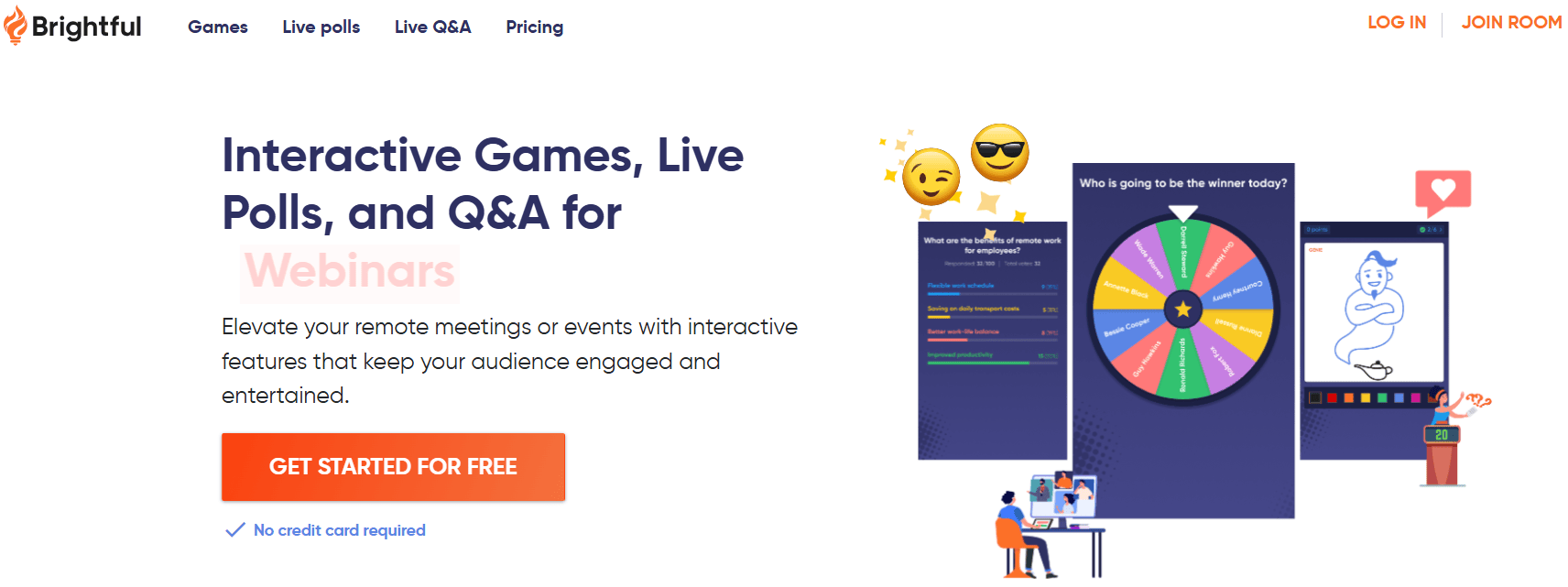
Brightful focuses on building a sense of community. It’s ideal for icebreakers, team-building, and encouraging classroom participation. It’s a lighter, more social way to get students talking and working together.
Top Features:
- Games that build connection and collaboration
- Live polls and Q&A tools
- Easy-to-use templates
- Conversation starters and breakout room support
Pricing:
- Starter: Free for up to 6 players
- Bronze: $28/month (annual plan)
- Gold: $40/month (annual plan)
-
Quizlet
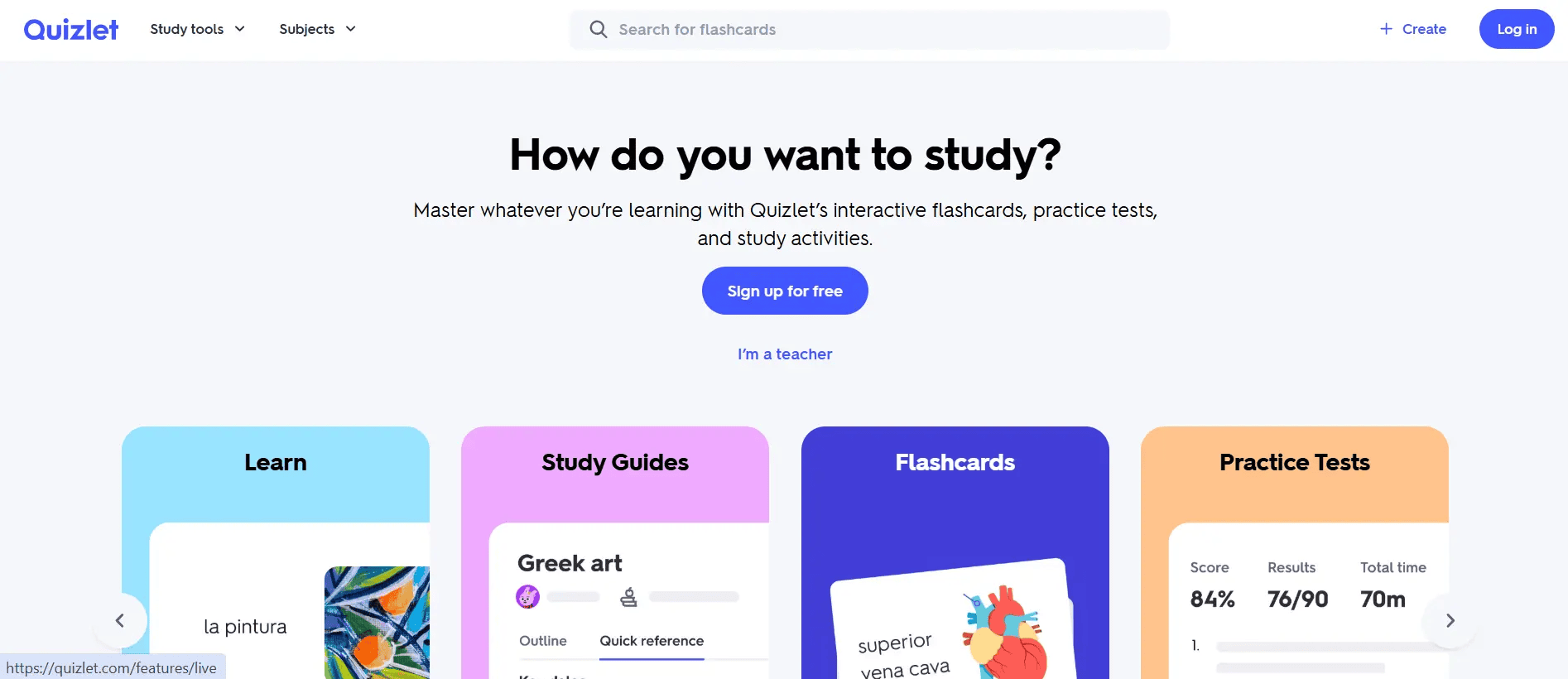
Quizlet is a long-time favourite for flashcards and study sets. It helps students build vocabulary, revise topics, and play learning games. The Quizlet Live feature adds a team-based challenge to your classroom, making review sessions much more exciting. Teachers can track progress and use AI-powered tools to support learning.
Top Features:
- Flashcards and quizzes for study and review
- AI-powered study paths
- Quizlet Live for classroom games
- Progress tracking and class management
- Offline access and custom branding
Pricing:
- Free: Flashcards and basic tools
- Plus: $7.99/month or $35.99/year for more features, tracking, and ad-free access
-
Slido

Slido excels at turning lectures, meetings, or webinars into interactive sessions with live polls, quizzes, Q&A, and surveys. Its integration with Webex, Teams, PowerPoint, and Google Slides makes it an educator’s favourite for both online and face-to-face learning. With features for moderation and custom branding, Slido is suitable for both single classrooms and full-scale events.
Top Features:
- Real-time interaction tools
- Q&A with moderation
- Detailed reporting
- Easy integration with popular platforms
- Collaboration tools for teams
Pricing:
- Basic: Free
- Engage: $12.5/month
- Professional: $60/month
- Enterprise: $150/month (education discounts available)
-
Socrative
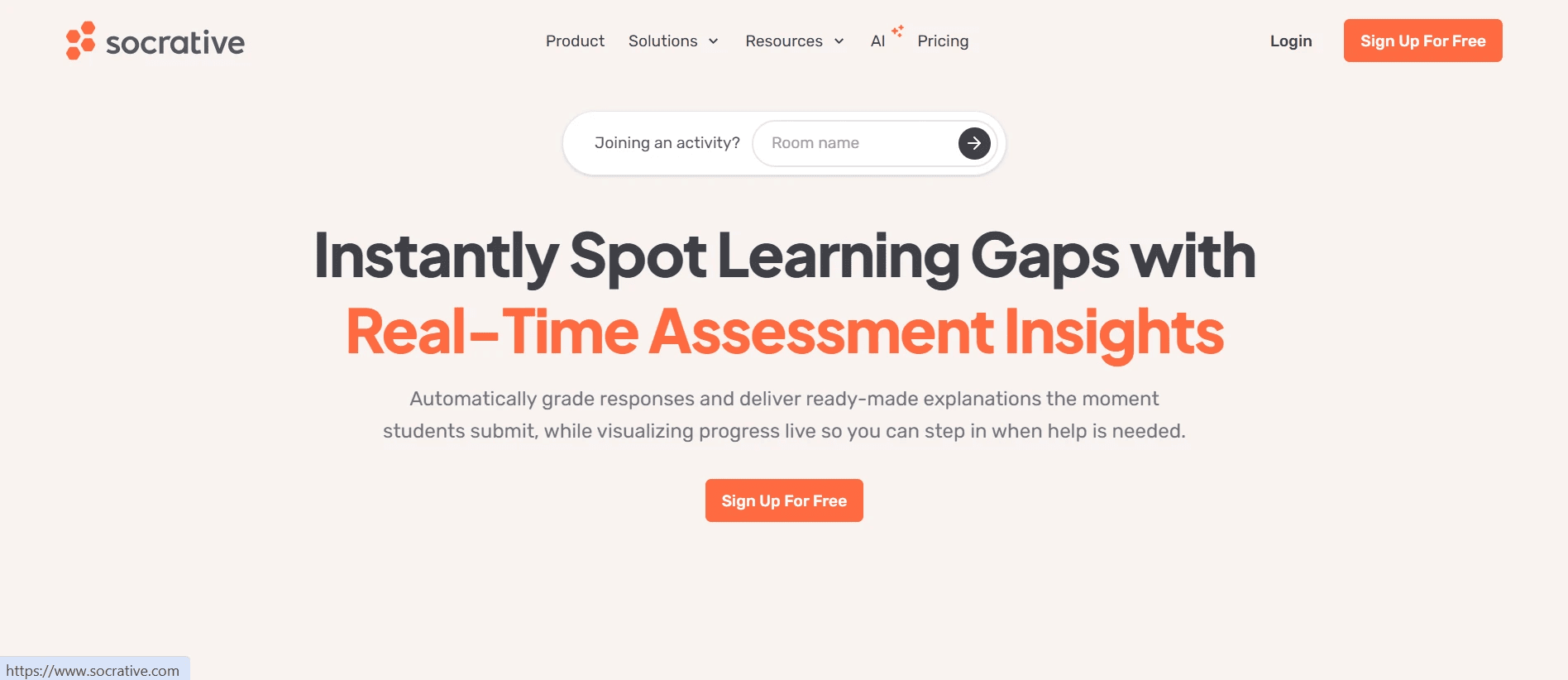
Socrative is perfect for quick check-ins, quizzes, and instant feedback. It’s easy to use and works on any device. Teachers can set up quizzes, polls, and exit tickets, and the app grades them automatically.
It’s a great choice for classrooms that want fast insights into how students are doing, without slowing down the lesson.
Top Features:
- Live quizzes and instant results
- Auto-grading and performance reports
- Exit tickets to check understanding
- Works on any device
- Multi-room support for multiple classes
Pricing:
- Free: 1 room, 5 quizzes, up to 50 students
- Essentials: $10/month per teacher
- Pro: $15/month with unlimited rooms and more capacity (annual plan)
- Organization: $14.40/month for a seat
-
ClassMarker
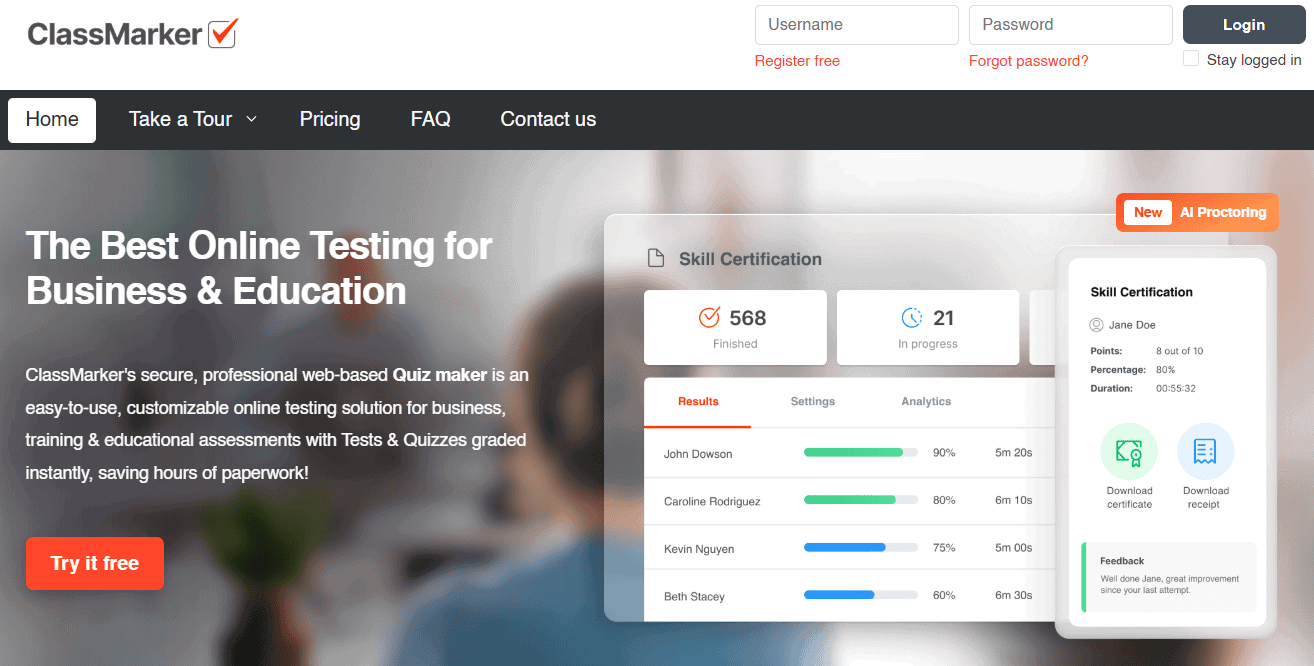
ClassMarker is a solid option if you’re looking for a secure and flexible way to create online tests. It works well for teachers, corporate trainers, and even certification providers. You can design custom tests, set time limits, randomise questions, and let the platform handle grading. Since it’s web-based, students can access it from any device. With detailed reports and multilingual support, it’s a great choice for formal assessments.
Features:
- Create online quizzes and tests
- Auto-grading, time settings, and randomised questions
- Detailed analytics and results
- Supports multiple languages and custom branding
- Works securely across devices
Pricing:
- Free trial available
- Starts at $39.95/month
- Professional plan available for $79.95 per month.
-
Acadly
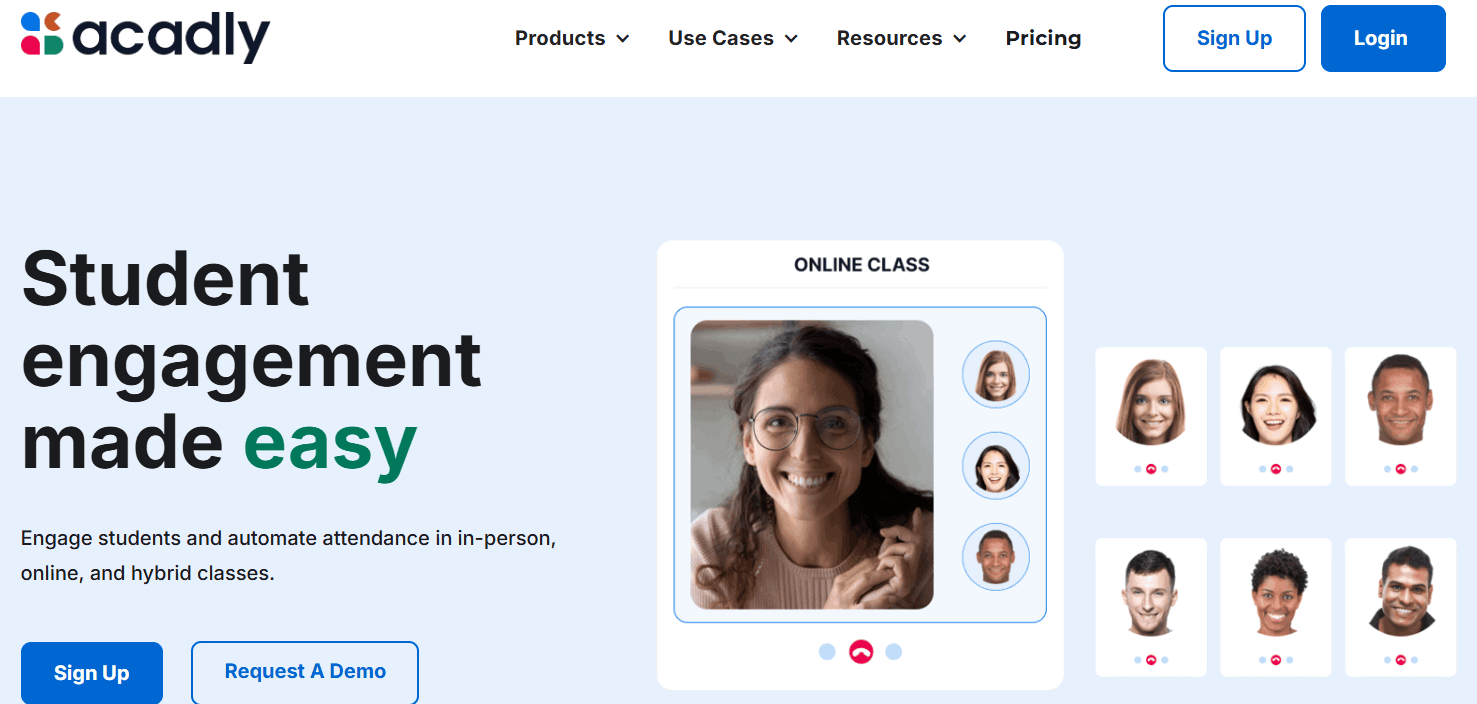
Acadly combines attendance, live quizzes, polls, word clouds, and discussions all in one place. It works well in higher education and is a solid choice for teachers who want everything in one dashboard. You can manage class schedules, track engagement, and even record lectures. The app also plays nicely with LMS and video conferencing platforms.
Features:
- Automated attendance, polls, and quizzes
- In-class discussions, lecture recording, messaging
- Assignments and calendar sync
- Analytics dashboard and resource sharing
Pricing:
- Free for higher education professors and students for teaching/learning features
- Paid pricing depends on the type of Acadly product
-
Beekast
Beekast helps make presentations more interactive. You can create quizzes, polls, brainstorm sessions, and surveys, then track feedback live. It’s useful for blended learning, workshops, and group discussions. The built-in templates and file sharing features save setup time and keep things organised.
Top Features:
- Interactive slides with polls and quizzes
- Brainstorming boards, surveys, and word clouds
- Real-time responses and reporting
- Breakout rooms and branding options
Pricing:
- Free: For individuals and small teams exploring interactive tools
- Plus: For trainers and facilitators at 9€/month
- Pro: For teams and departments at 39€/month
- Enterprise: Custom quotes available
-
Gimkit
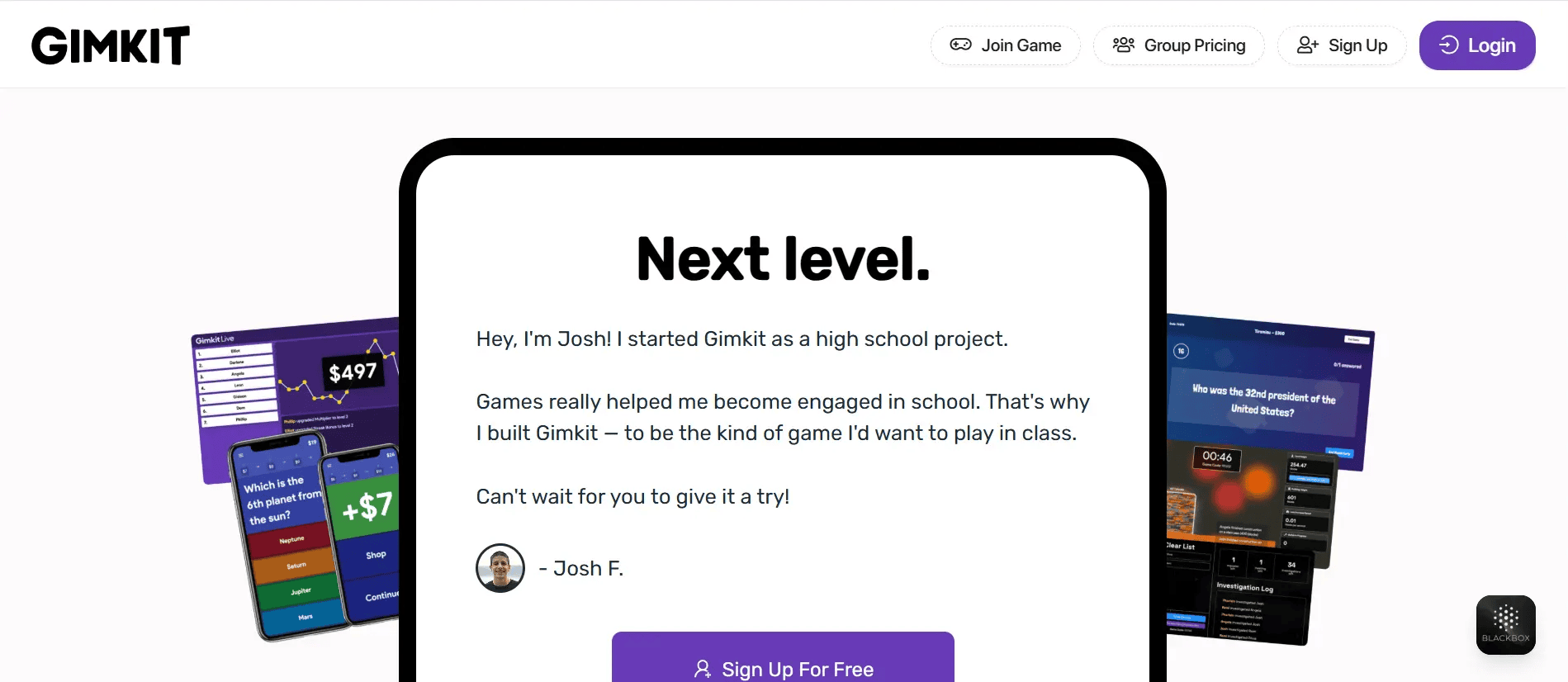
Gimkit mixes learning and gaming in a way that keeps students focused. You can run live quizzes or assign them for homework. The standout feature is KitCollab, which lets students help build the quiz themselves. With leaderboards, power-ups, and analytics, it turns lessons into challenges that students actually want to complete.
Features:
- Real-time games and homework options
- Collaborative quiz building (KitCollab)
- Game elements like power-ups and points
- Audio/image question support and unlimited edits with Pro
Pricing:
- Free: Up to 5 students/game
- Department: $650/year for 20 teachers
- School licenses: $1,000/year for every teacher in the school.
-
Baamboozle
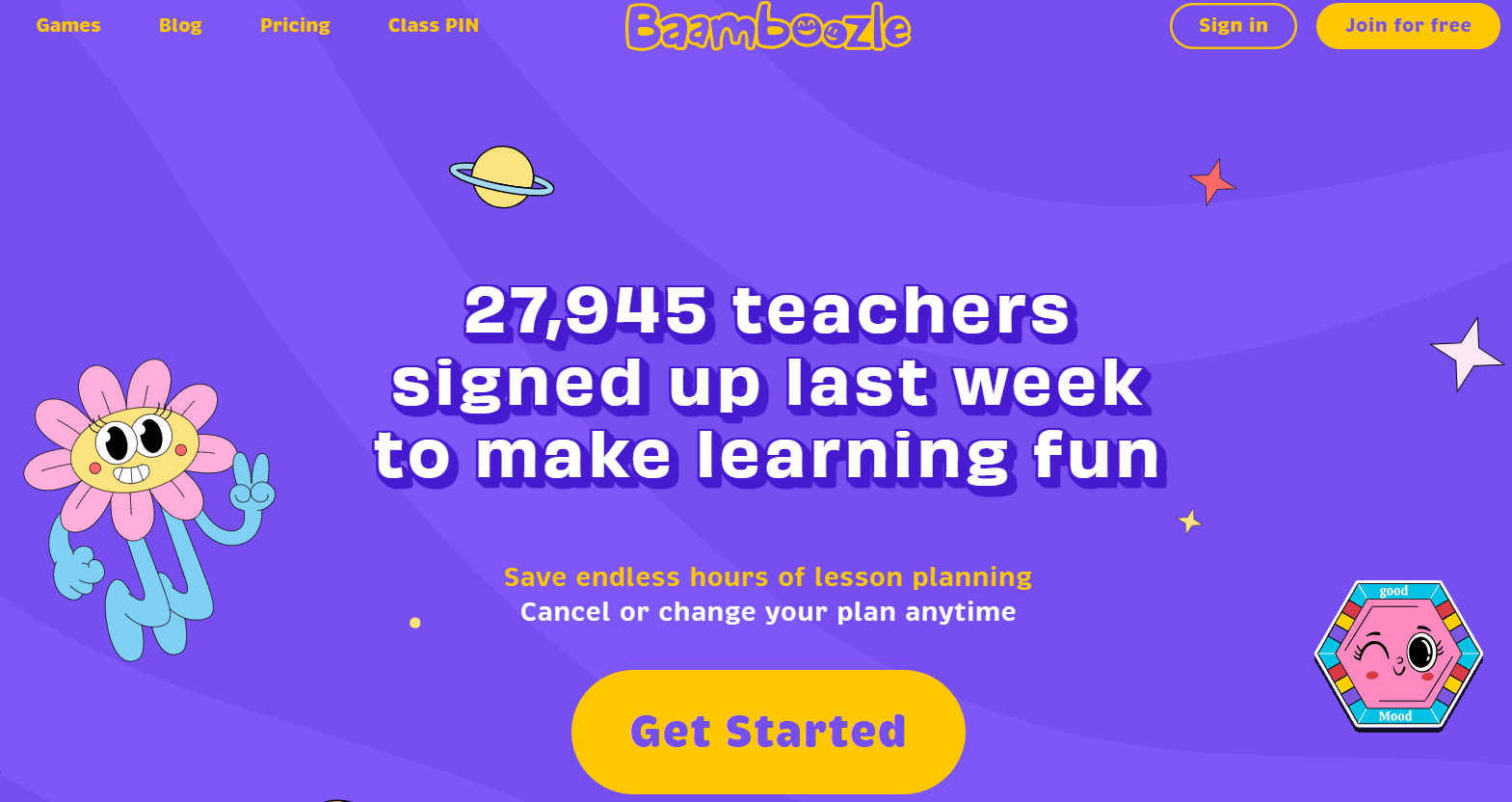
Baamboozle is a light, team-based quiz tool designed for quick games in the classroom. It’s super easy to use, works well with younger students, and has a massive library of ready-made games. Teachers can also create their own or tweak existing ones.
Features:
- Free team games with up to 24 questions
- Random question order for replay value
- Edit, create, and share games easily
- Upgrade to add media and private game options
Pricing:
- Free: Basic team games and public content
- Plus: $4.99/month (yearly) or $7.99/month (monthly) for media uploads and private games
-
Slides With Friends
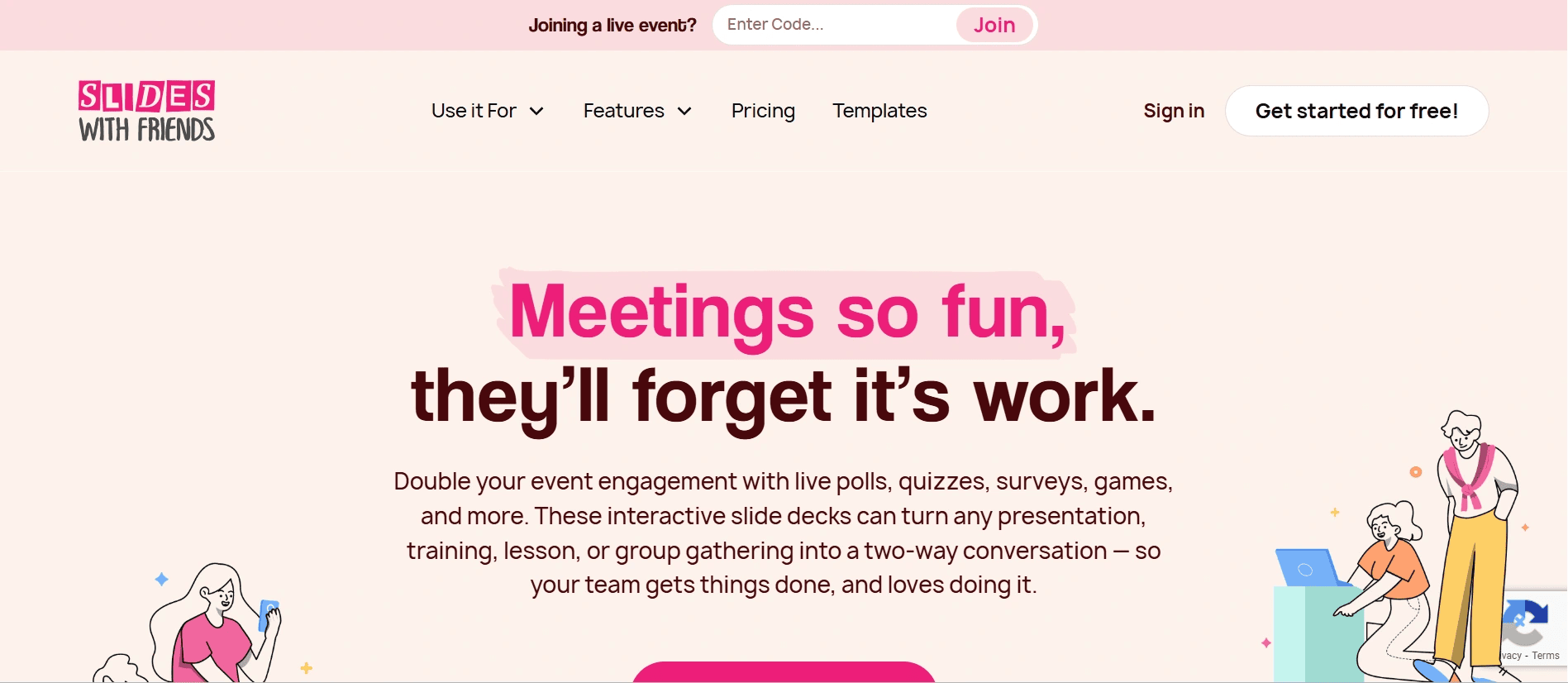
Slides With Friends makes it easy to build interactive presentations by adding quizzes, polls, and photo sharing directly into your slides. It’s ideal for classes, meetings, or events where you want to get everyone involved. Students can join using a link or QR code, and the platform supports up to 200 participants on the higher plans.
Top Features:
- Add live polls, quizzes, and more into slide decks
- Join via link or QR code
- Supports up to 200 players
- Works with PowerPoint and Google Slides
- Custom branding and detailed reporting
Pricing:
- Free: Up to 10 participants per session
- Starter: $8/month (annual plan)
- Pro: $24/month (annual plan)
- Education discounts available
-
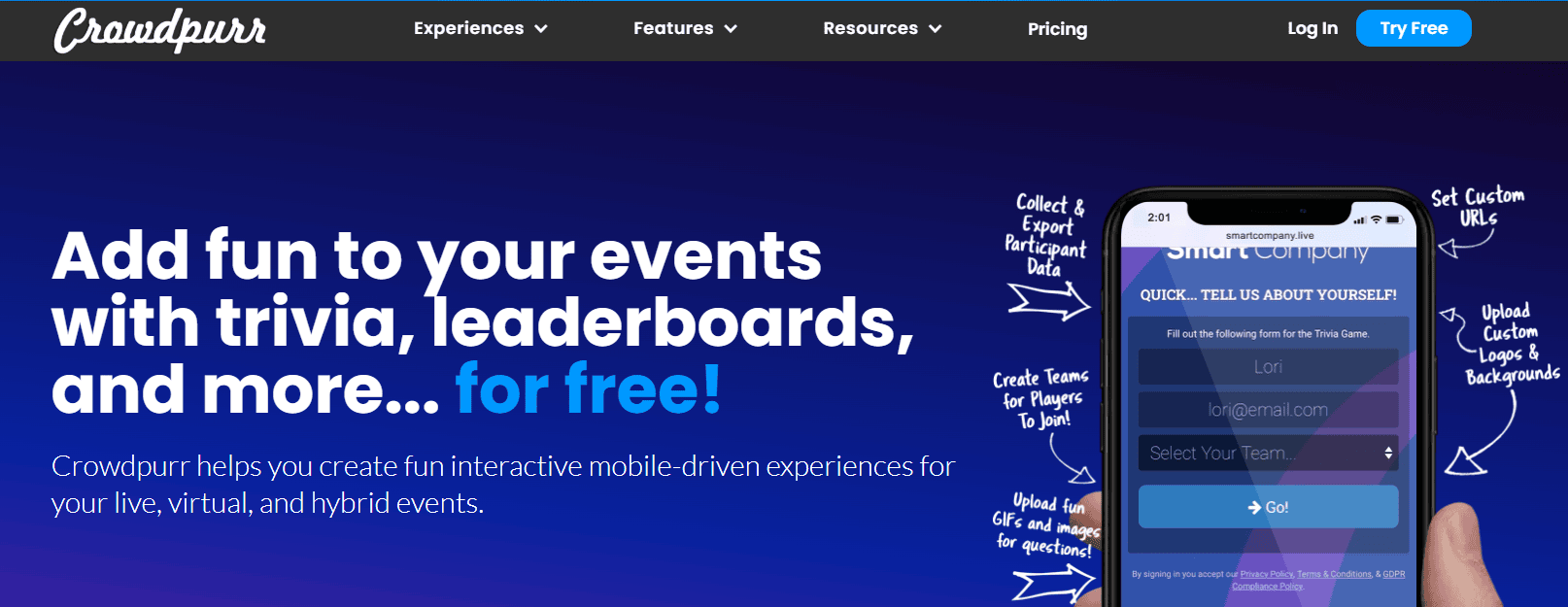
Crowdpurr
If your students love quiz shows, they’ll enjoy Factile. It brings Jeopardy-style games into your classroom and makes review sessions more fun. You can also create flashcards, add videos or equations, and use buzzers to add excitement to learning.
Features:
- Live trivia, polls, and multi-round games
- Media questions and live streaming support
- Real-time analytics and exportable data
- Can host 1,000+ participants with higher-tier plans
Pricing:
- Free: 3 experiences, 20 participants max
- Classroom: $24.99/month or $299.94/year
- Larger group plans available
-
Factile
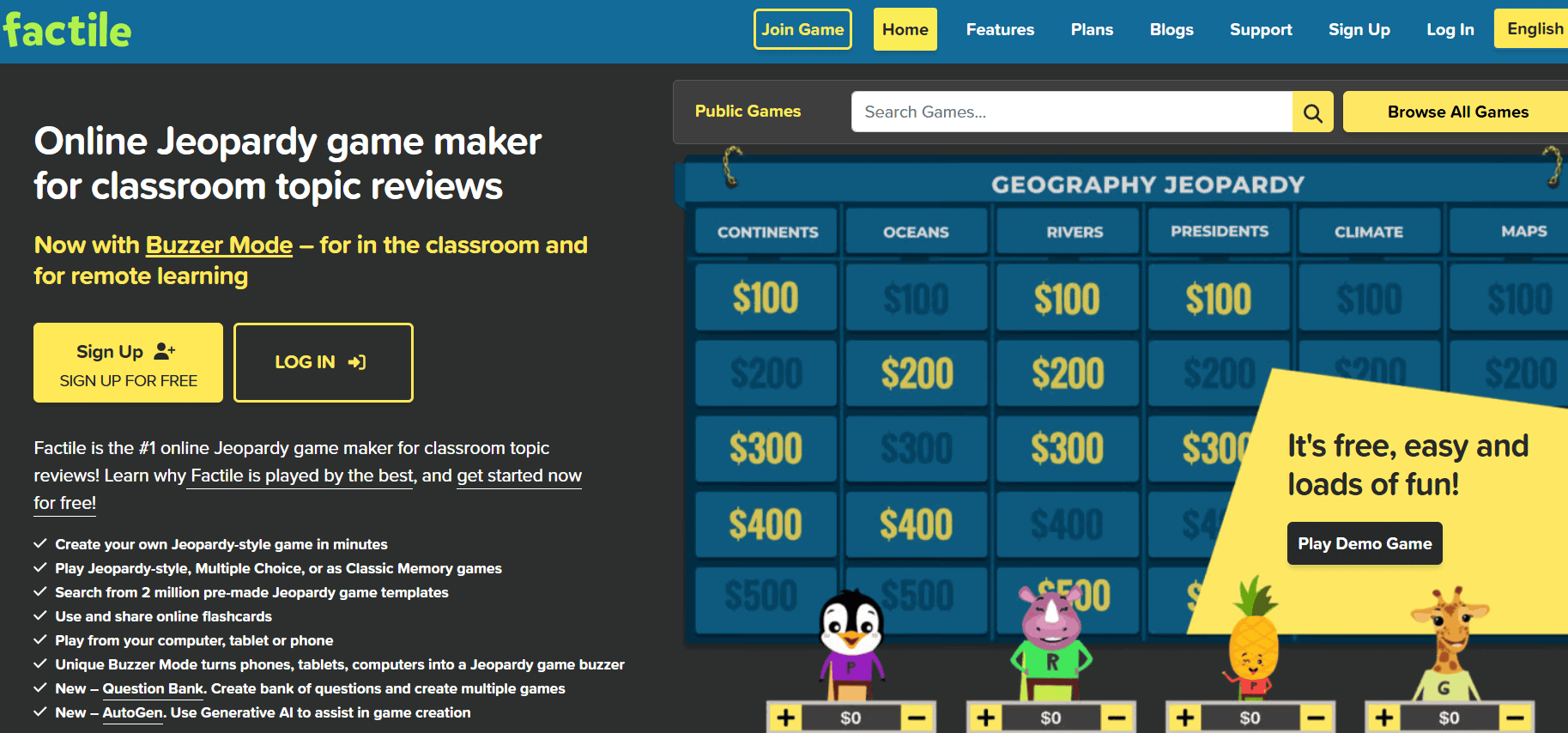
Factile takes the classic quiz show format and brings it to the classroom. You can build Jeopardy-style games, flashcards, or buzzer challenges. It works in person or online and is simple enough for any age group. It’s perfect for quick reviews or friendly competitions.
Features:
- Classic Jeopardy-style gameplay
- Works in-person or online
- Add videos, equations, and images
- Supports buzzers, scorekeeping, flashcards
Pricing:
- Free: Basic version with limited features
- Home/School Basic: $48/year
- Home/School Plus: $7.95/month or $72/year
- Business: $9.95/month or $90/year
-
Nearpod
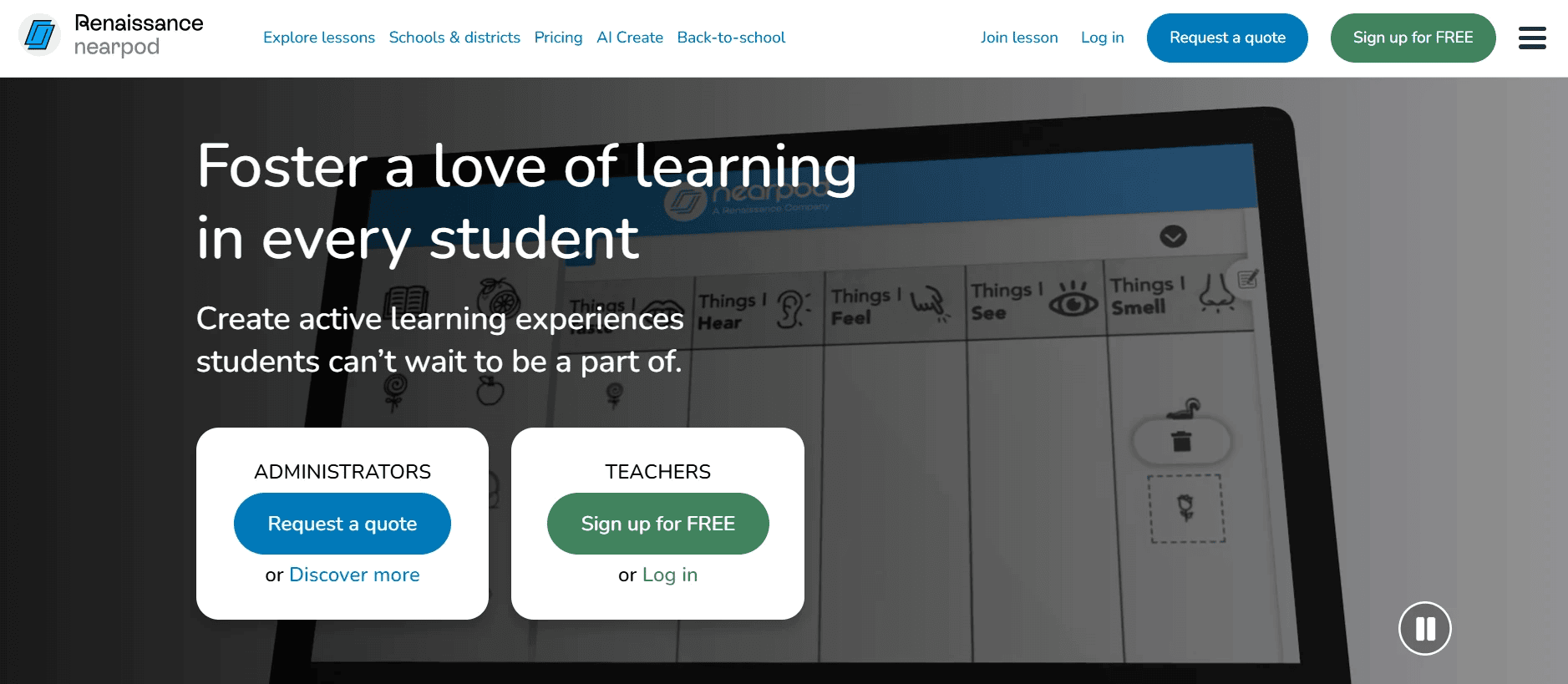
Nearpod brings together everything you need for an interactive lesson. You can add quizzes, polls, videos, simulations, and even VR field trips right into your slide decks. Students can join live or go through the lessons at their own pace. It’s built for real-time learning and gives you instant feedback on how well students are following along.
Features:
- Multimedia slides with built-in assessments
- VR field trips and interactive simulations
- Google/Microsoft integrations
- Real-time feedback and student tracking
Pricing:
- Silver free plan available
- Gold Plan: $159/year
- Platinum Plan: $397/year
How to Select the Right Kahoot Alternatives?
To select the right Kahoot alternative, you must keep the following things in mind:
-
Identify Your Primary Purpose
Start by asking yourself what you need the tool for. Are you looking for fun quizzes, live polls, or detailed performance tracking? Knowing your main goal will help you pick a platform that fits your teaching style.
-
Assess Device Needs
Check what devices your students will use. Some tools work better on laptops, while others are designed for tablets or mobile phones. Make sure the platform runs smoothly on the devices available in your classroom.
-
Consider Your Budget
Look at how much you’re willing to spend. Some tools offer free plans with limited features, while others provide more flexibility with paid versions. Choose an option that gives you the right balance between cost and features.
-
Review Integration Capabilities
See if the platform can connect with other tools you already use, like Google Classroom, Zoom, or Microsoft Teams. Good integration saves time and keeps your workflow smooth.
-
Test User Experience
Before finalising, try the tool yourself. Check how simple it is to set up quizzes, join sessions, and view reports. If it feels easy to use, your students will likely enjoy it too.
Closing Thoughts
Trying out different tools can bring a fresh feel to your lessons. Whether you want something simple for quick quizzes or a feature-rich platform for full sessions, there’s a lot to explore beyond Kahoot. Every classroom is different, so it helps to find what suits your students and teaching style. Most of these platforms offer free trials or basic plans, so you can test them without much risk. Try a few, see what clicks with your students, and keep what works best. Sometimes, a small change can make learning feel new again.

Anurag Bhagsain is the Founder of Interactico. With a background in SaaS, product development, and automation, he is focused on solving real world problems, especially to make meetings truly interactive. With a love for blogging, he shares practical tips on audience interaction, polls, Q&A, and meeting best practices, turning them into simple, actionable ideas. Off hours, he enjoys coding and gaming.