As a teacher, you already juggle lesson planning, grading, classroom management, and a dozen other things at once. The right tools can make all of that a little smoother. Whether you’re teaching in person or online, there are simple, practical tools out there that can help you save time, stay organised, and keep your students engaged. In this guide, we’ll walk you through some must-have tools that every educator should know about. Think of it as a quick checklist to help you make teaching a little easier and a lot more efficient. Let’s jump right into it.
Best Tools for Educators in 2025
| Tool | Primary Category | Main Purpose / Features | Good For / Best Use Cases |
|---|---|---|---|
| Interactico | Interactive / Student Engagement | Let’s students respond in real-time during lessons. Helps collect feedback without sign-ups. | Small group activities, quick feedback, and checking attention in online or hybrid classes. |
| Mentimeter | Interactive / Student Engagement | Runs polls, quizzes, word clouds, and Q&A live. Shows responses instantly. | Engaging both in-person and remote classes. Quick opinion checks and understanding checks. |
| Slido | Interactive / Student Engagement | Polling, quizzes, Q&A. Students participate from any device without downloads. | Fast understanding checks. Class discussions. Quick opinion polls. Works across devices. |
| Pear Deck | Interactive / Student Engagement / Presentation | Turns slides into interactive lessons. You can add questions, polls and checks for understanding. | Making slide lessons interactive. Keeping students involved during presentations. |
| Kahoot | Interactive / Gamified Quiz | Game-style quizzes, competition and instant feedback. | Revision sessions, fun learning, formative assessments, and energising the class. |
| Google Classroom | Classroom Management | Share assignments, collect work, grade and give feedback. Keeps all class work organised. | Assignment handling, grading, and sharing resources in schools or universities. |
| ClassDojo | Classroom Management / Behaviour | Tracks student behaviour. Helps build class culture. Allows sharing updates with parents. | Primary classrooms, behaviour tracking, teacher-parent communication. |
| TeacherKit | Classroom Management | Tracks attendance, grades and student behaviour. Keeps class data in one place. | Teachers who want simple records for attendance, grading and behaviour. |
| Canva for Education | Content Creation & Presentation | Creates posters, slides, infographics and visual lesson materials. | Making clean visual content. Designing classroom material that looks polished. |
| Adobe Express | Content Creation & Presentation | Graphic design tool for posters, presentations and multimedia. | Creative projects, visual-heavy lessons, multimedia assignments. |
| Storybird | Content & Student Creativity | Helps students create illustrated stories. Supports writing activities. | Creative writing, language projects and storytelling assignments. |
| Edpuzzle | Content Creation / Video Learning | Adds questions inside videos and tracks student responses. | Flipped classrooms, self-paced video lessons, and video-based assignments. |
| Sandbox | Professional Development | Let’s teachers test resources and experiment with curriculum ideas. | Trying new teaching strategies. Exploring digital tools or innovative samples. |
| ReadWorks | Reading Comprehension Resources | Provides reading passages with comprehension questions. | Literacy classes, reading homework, and improving reading skills. |
| AP Classroom | Advanced Curriculum & Prep | Aligned materials, practice content and exam preparation for advanced levels. | High school teachers, exam prep, and advanced coursework. |
| Khan Academy | Broad Subject Resources | Free lessons and exercises across many subjects with self-paced learning. | Homework help, revision, support for remedial or advanced learners. |
| Teachers Pay Teachers | Teaching Resources Marketplace | Ready-made lesson plans, worksheets and activities created by teachers. | Saving preparation time. Finding lesson inspiration and diverse resources. |
Tools for Interactive Lessons and Learning
-
Interactico
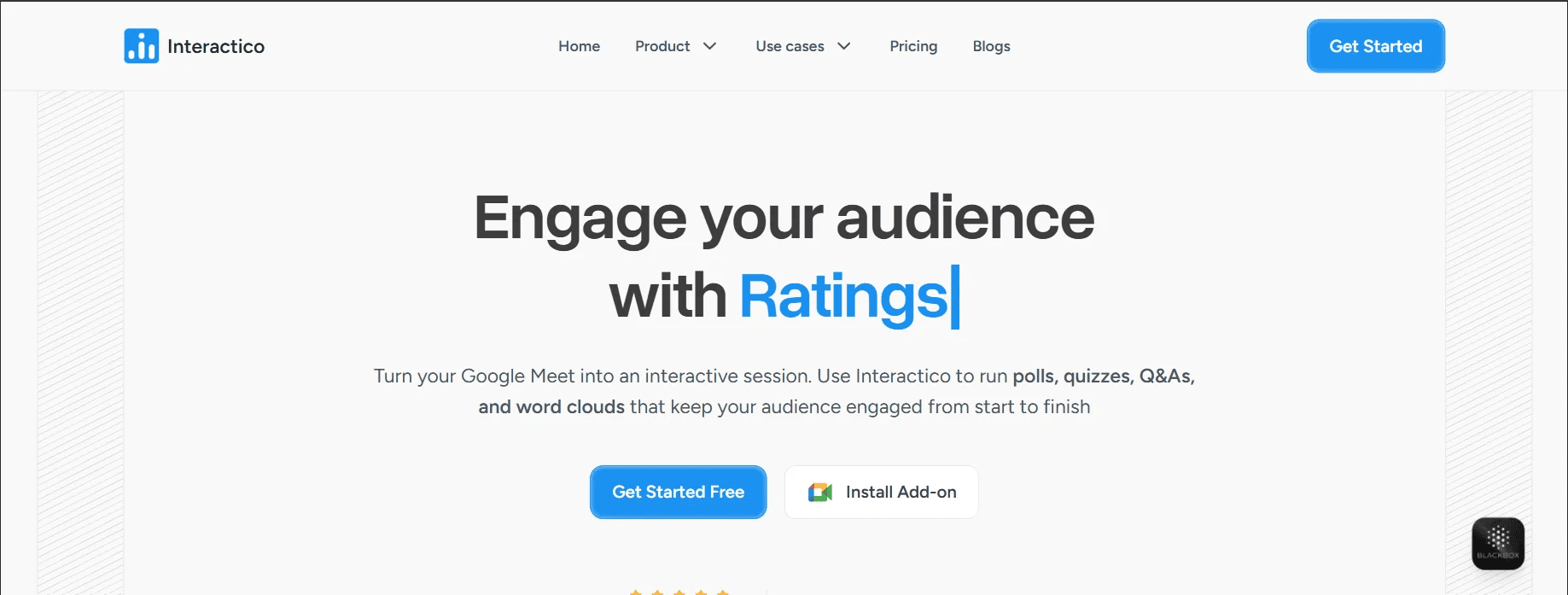
If you use Google Meet for your lessons, Interactico is one of the easiest ways to make those sessions more interactive. It lets you run live polls, quizzes, Q&A, word clouds, and rating activities all without asking your students to download anything or create an account. You just drop a link in the chat, and they respond using any device. You can see their answers live in a single dashboard, which helps you quickly spot confusion and adjust your explanations before students fall behind. What makes this tool particularly helpful is that it works within Google Meet, so you don’t have to switch between tabs or tools while teaching.
Add Interacticoto your next class and see how much easier it gets to understand what your students need in real time.
-
Mentimeter
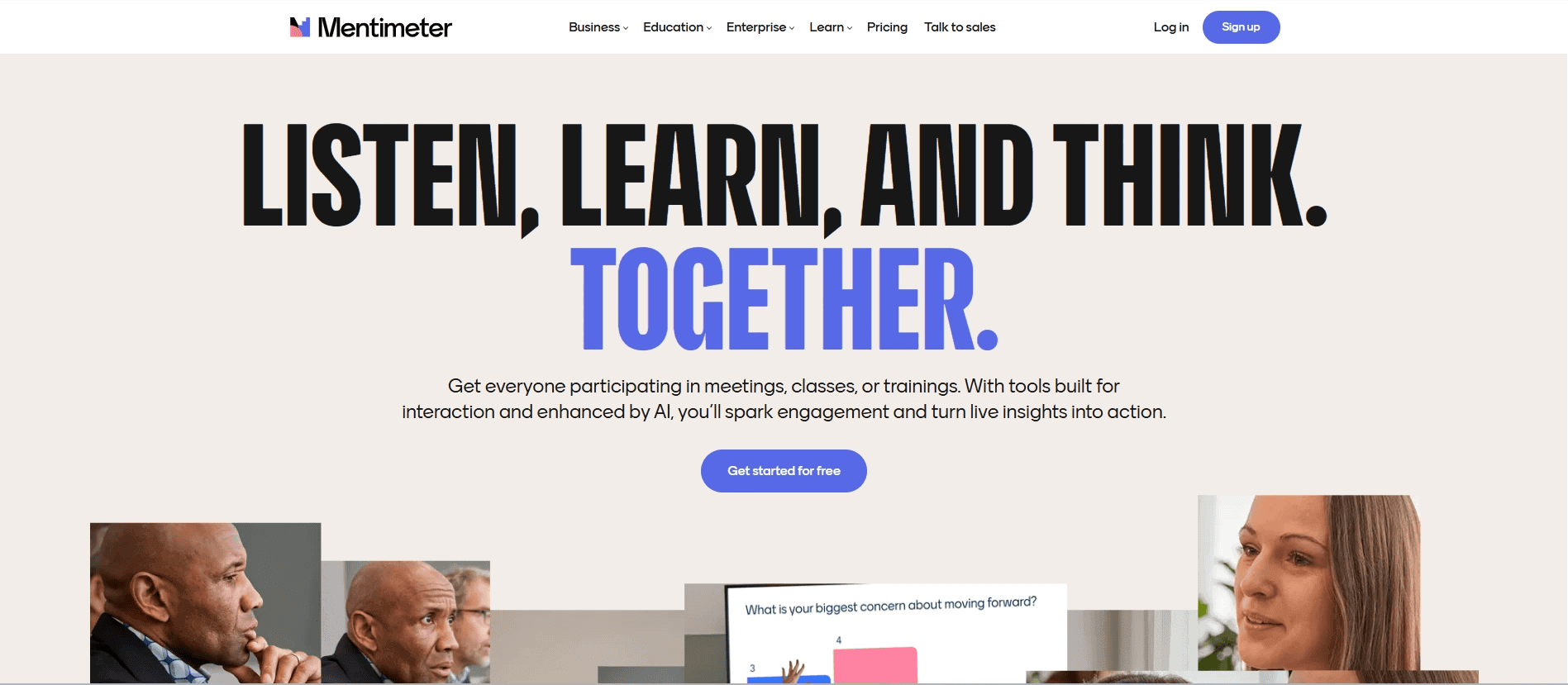
Mentimeter lets you add live polls and quizzes directly into your lesson slides. You can create multiple-choice questions, word clouds, open-text responses, and quick feedback prompts that students answer using their phones or laptops. Responses show up live on the screen, which helps you see what your class is thinking as you go. It’s perfect for checking understanding without putting anyone on the spot. For everyday teaching, it saves time on planning and helps you quickly spot if a lesson needs to be explained in a different way.
-
Slido
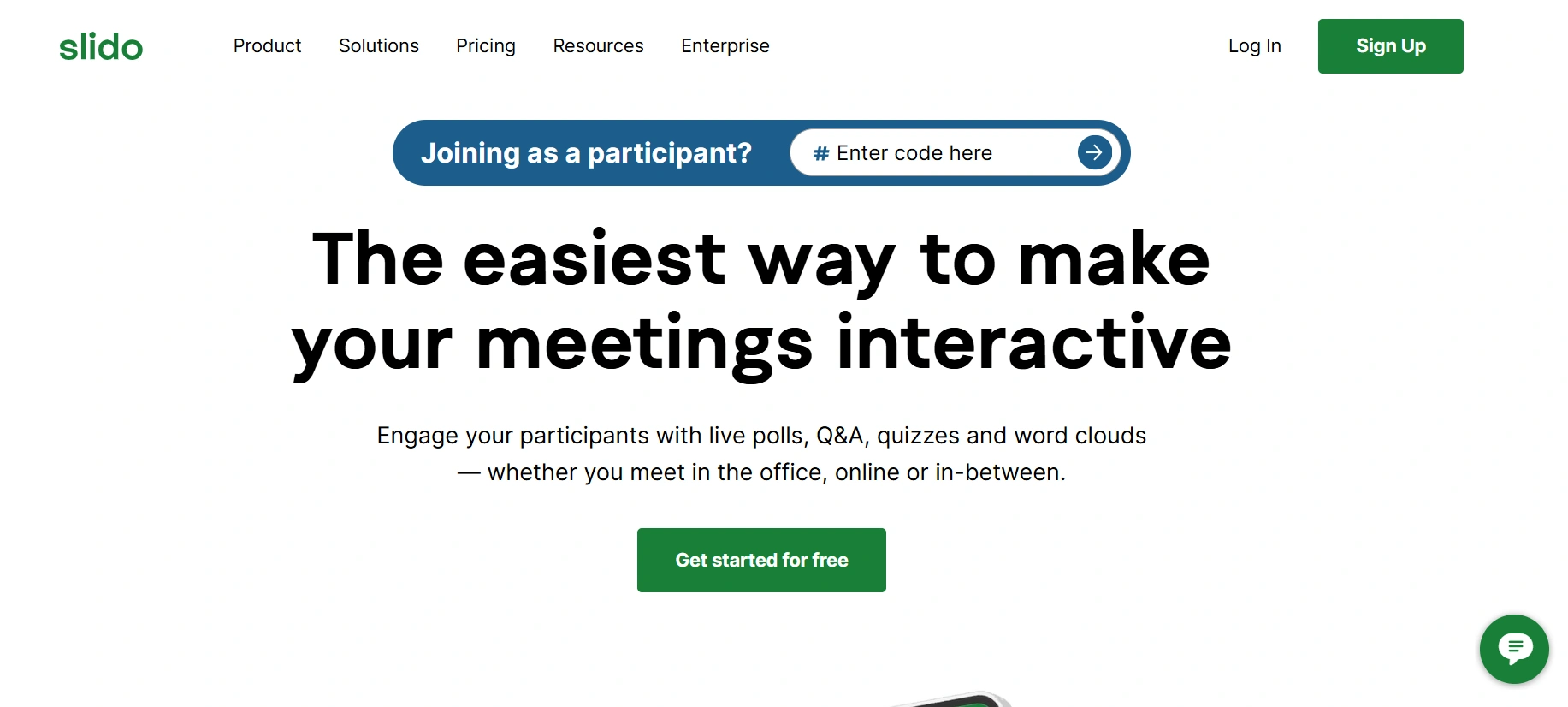
Slido lets your students ask questions during class without feeling shy. They can post questions anonymously, and others can upvote the ones they find most useful. This helps you understand what the class is curious about or confused by. Slido also supports different poll types like multiple choice, ratings, word clouds, and short quizzes. The responses show up live, and you can download reports later. Whether your class is in person or online, Slido helps you keep everyone engaged and gives you quick insights into how well they are following along.
-
Pear Deck
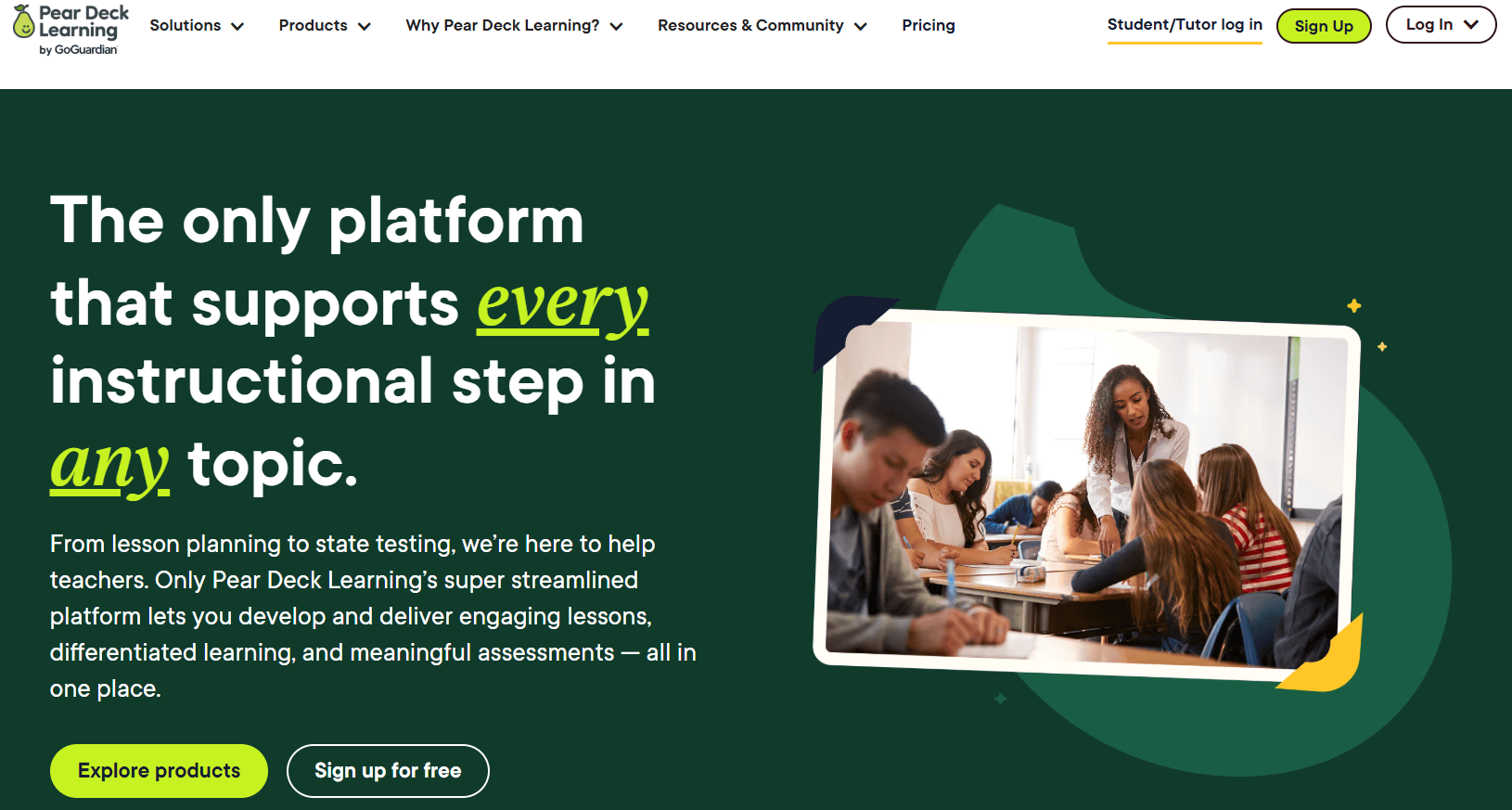
Pear Deck works with your Google Slides to make every slide interactive. You can add questions that ask students to type, click, drag, or draw. Students respond from their own devices while you keep track of answers through a teacher dashboard. You control the pace, see how individuals are doing, and even share student work anonymously to guide discussion. This helps you turn your lessons into a two-way conversation where every student takes part. Pear Deck makes it easier to gather responses from the whole class, not just the few who usually raise their hands.
-
Kahoot
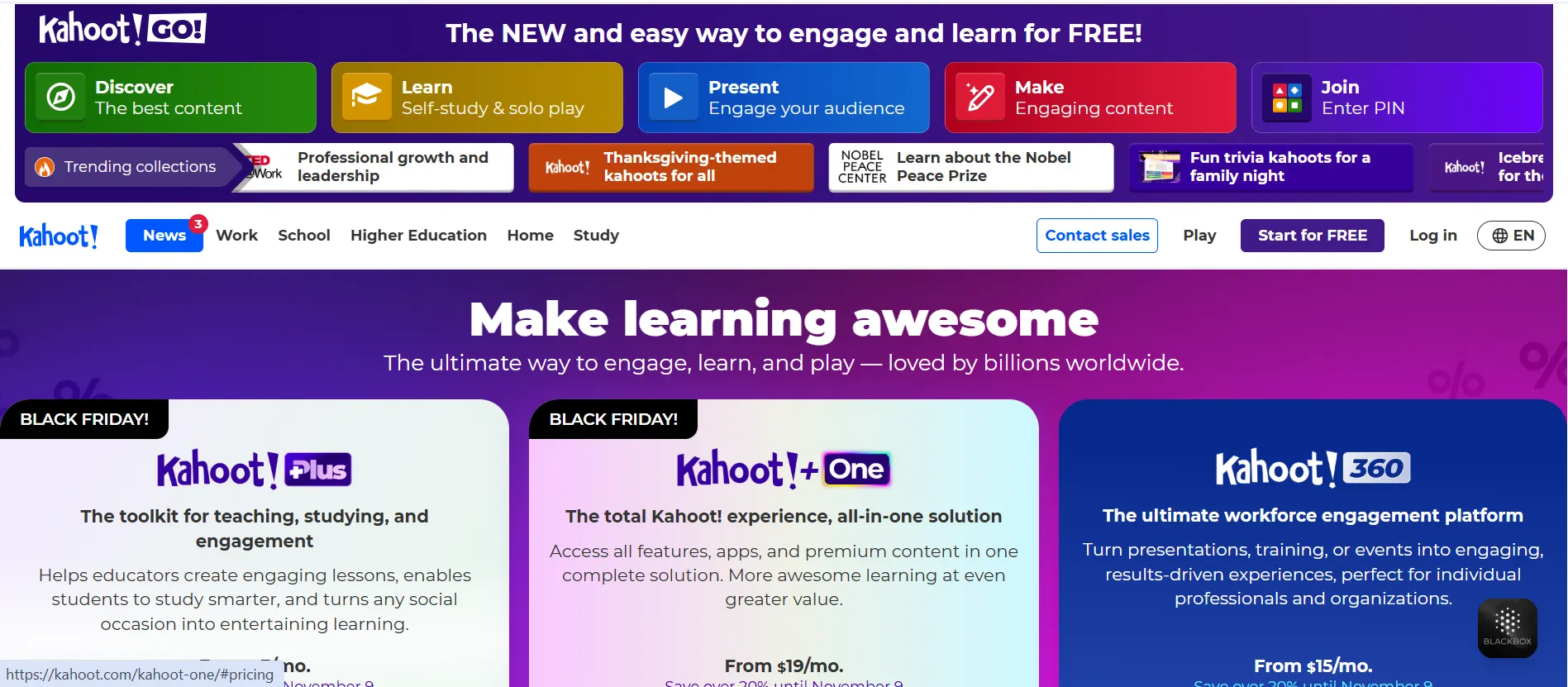
Kahoot brings a quiz-game format to your classroom that students genuinely enjoy. You can create or customise questions and run them live with a scoreboard to boost excitement. It works well both in-person and during online classes. You can also assign student-paced challenges for review or homework. Each game shows how students are doing through visual reports and spreadsheets. Besides the fun factor, Kahoot gives you a clear picture of what needs to be retaught, making review sessions more engaging and less stressful.
Classroom Management Tools
-
Google Classroom
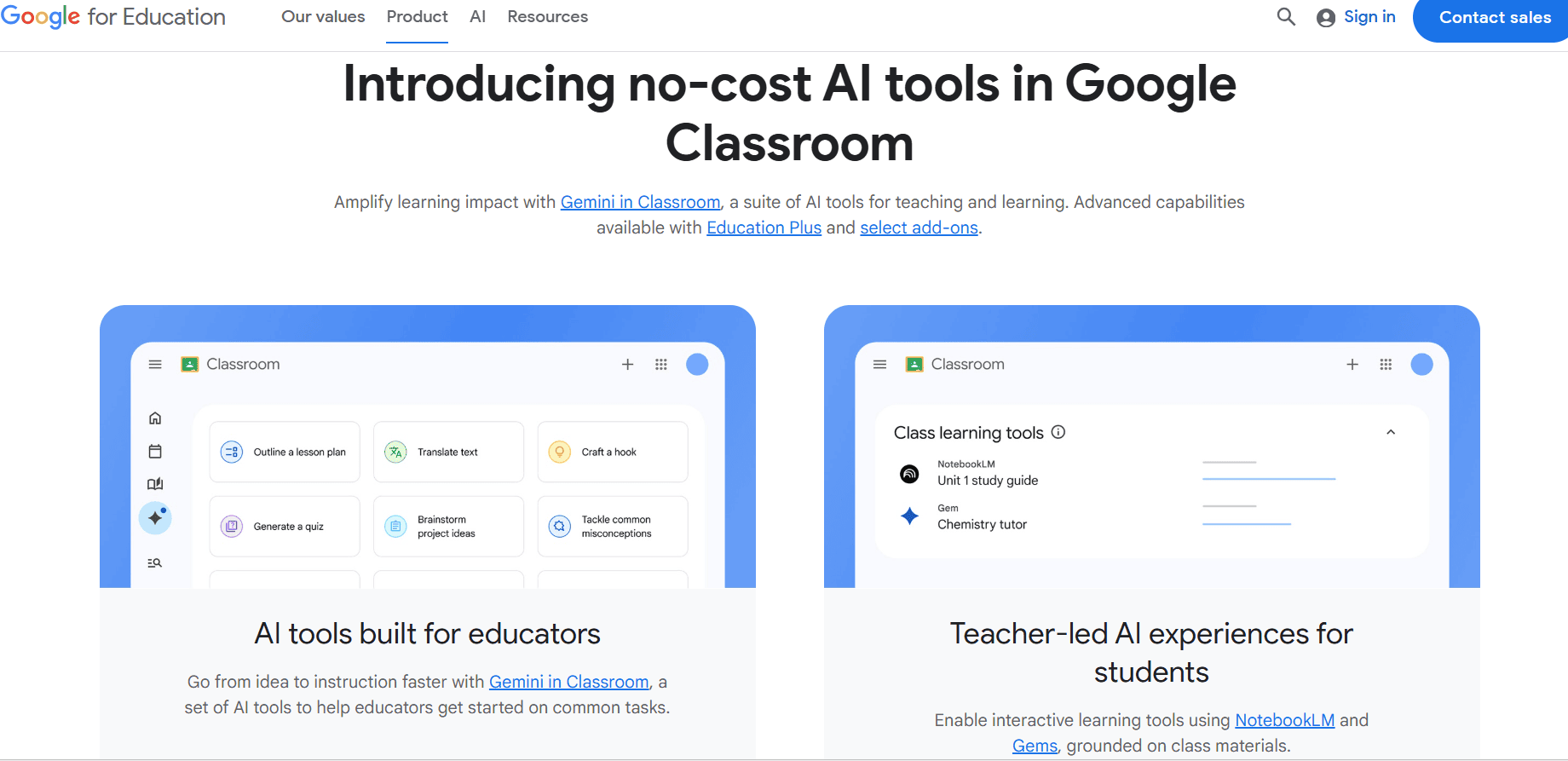
Google Classroom is your all-in-one place to manage assignments, share resources, and keep track of student progress. You can post classwork, add rubrics, schedule due dates, and attach files from Google Drive. Everything stays organised, and students can see what they need to do from any device. It also helps with grading, feedback, and keeping a clean record of student learning. If you’re juggling multiple classes or trying to reduce paperwork, this tool can seriously lighten your load.
-
ClassDojo
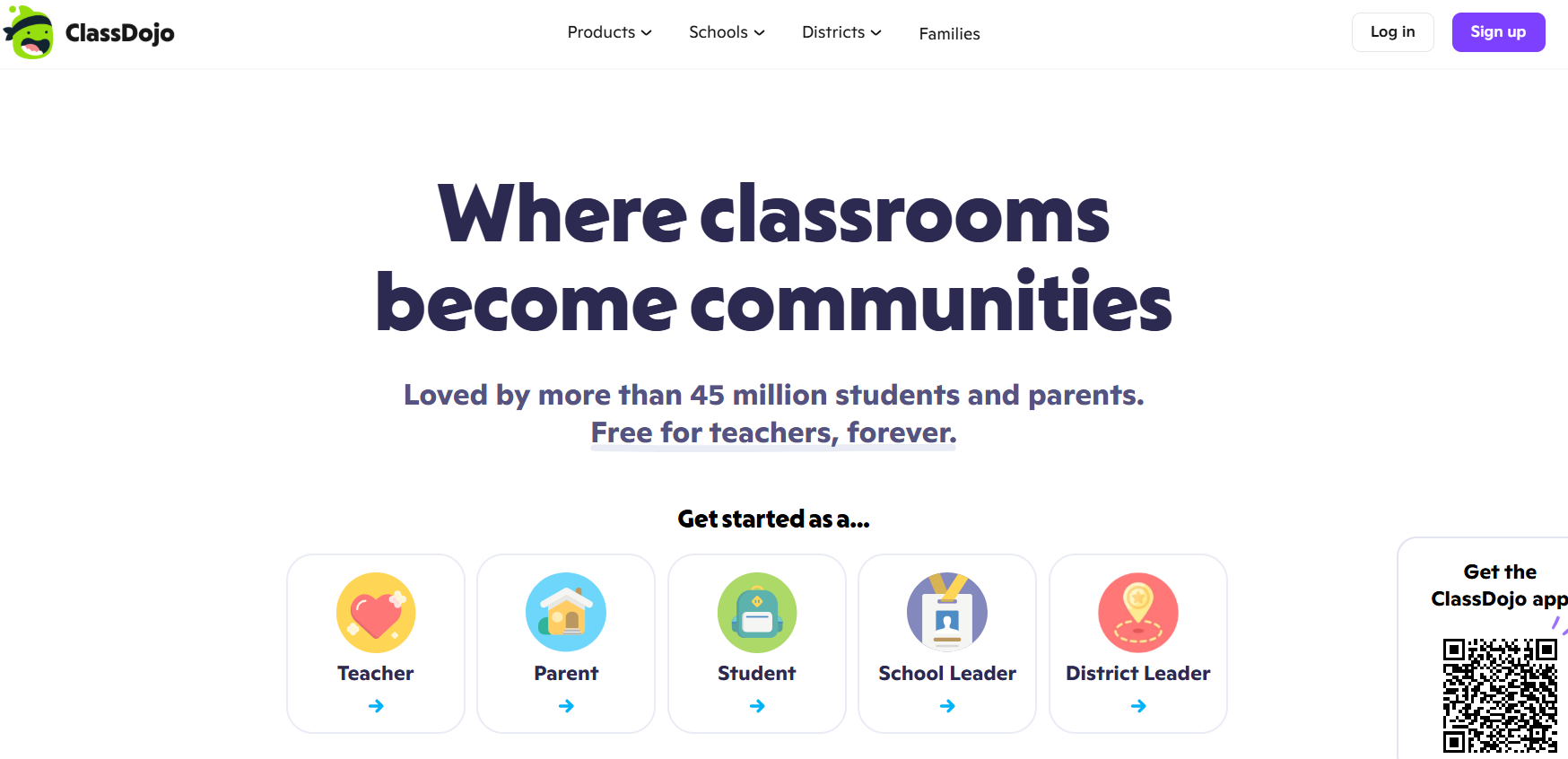
ClassDojo helps you build a stronger connection with your students and their families. You can give points for positive behaviours like participation or teamwork, and share updates through photos, messages, or announcements. The behaviour tracking feature helps you spot patterns and keep an eye on classroom culture. It’s a great way to involve parents without the hassle of phone calls or paper notes, and students feel motivated when they see their progress.
-
TeacherKit
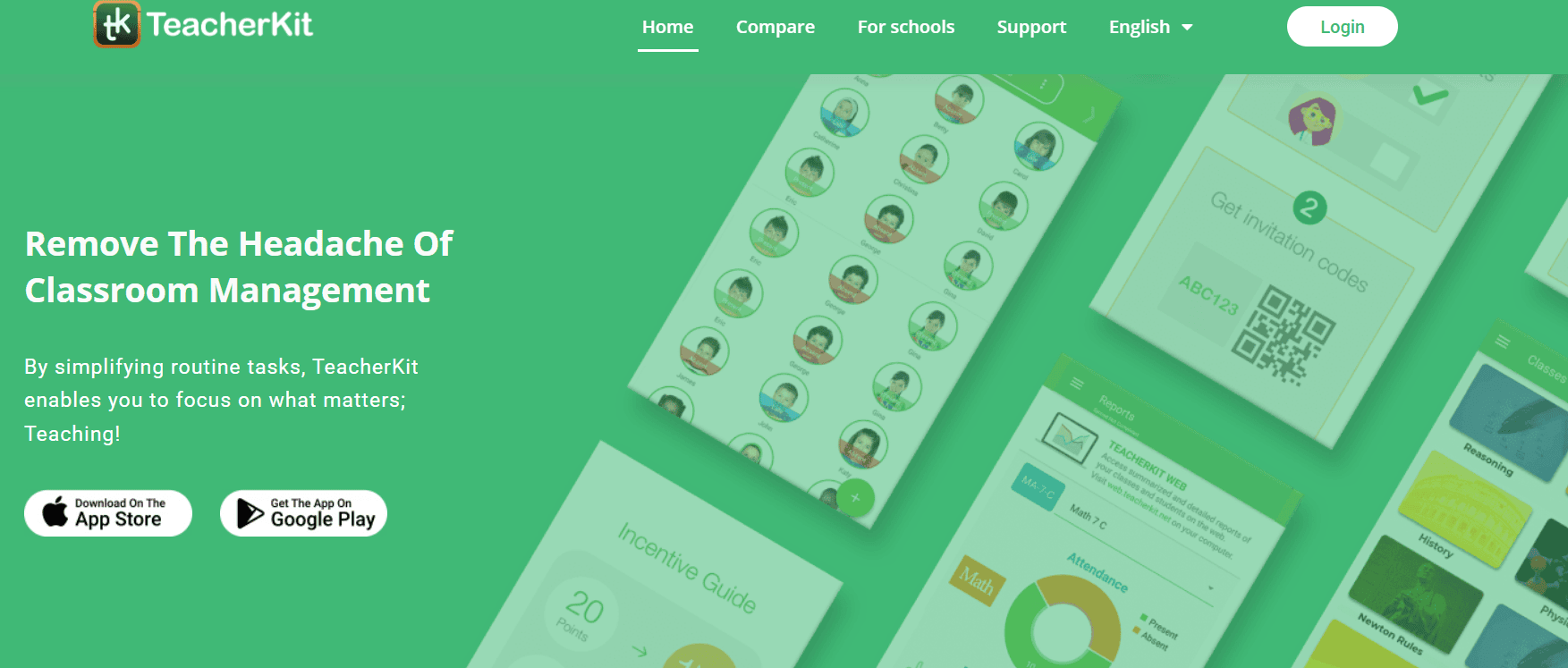
TeacherKit is a mobile app that helps you stay on top of classroom routines like attendance, seating charts, grading, and behaviour notes. You can log daily observations, track progress, and generate reports quickly. It’s especially useful when you want to review how a student is doing over time or need records for a parent meeting. By bringing all your admin work into one place, TeacherKit saves time and helps you focus more on teaching.
Content Creation & Presentation Tools
-
Canva for Education
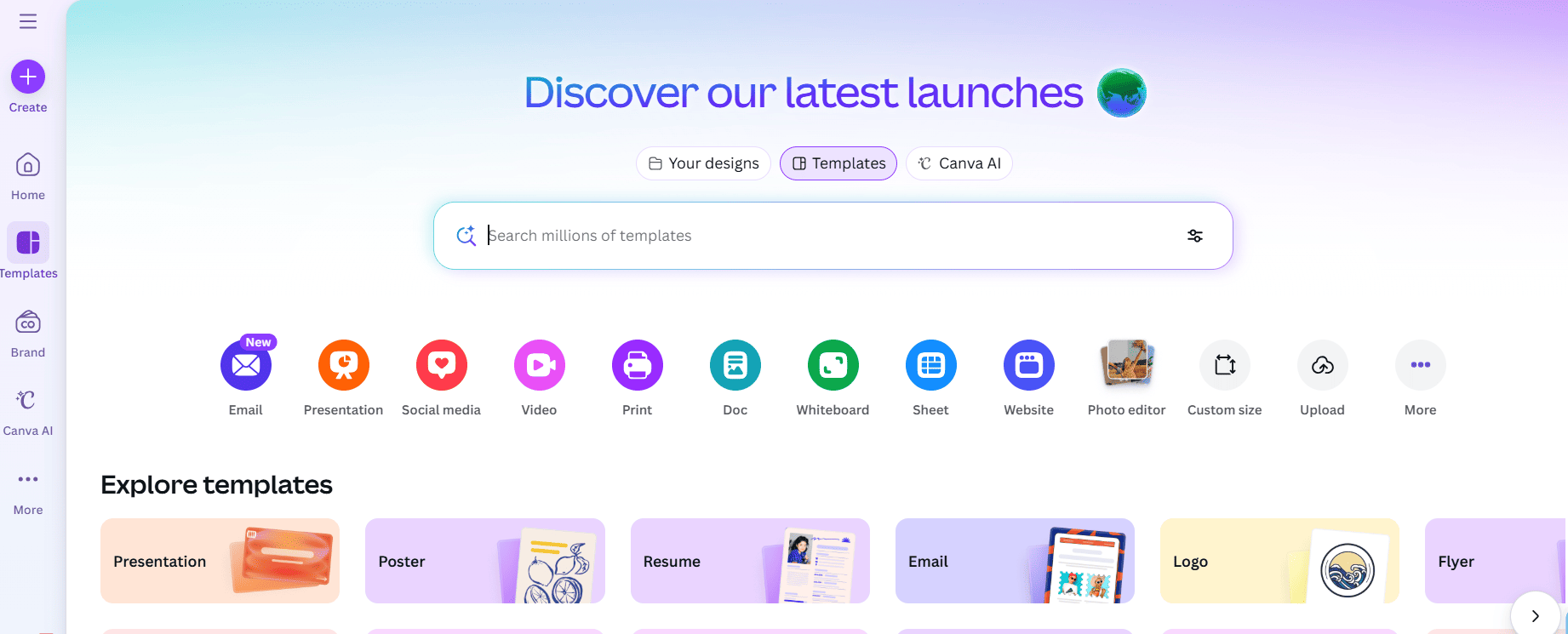
Canva for Education gives you free access to a huge collection of templates made just for classrooms. Whether you need to design presentations, posters, infographics, or worksheets, it lets you do it all with easy drag-and-drop tools. You don’t need any design experience to use it. You can work together with your students in real time, and even connect it with Google Classroom. It’s a quick way to create visually engaging materials while also encouraging creativity and group collaboration in class.
-
Adobe Express
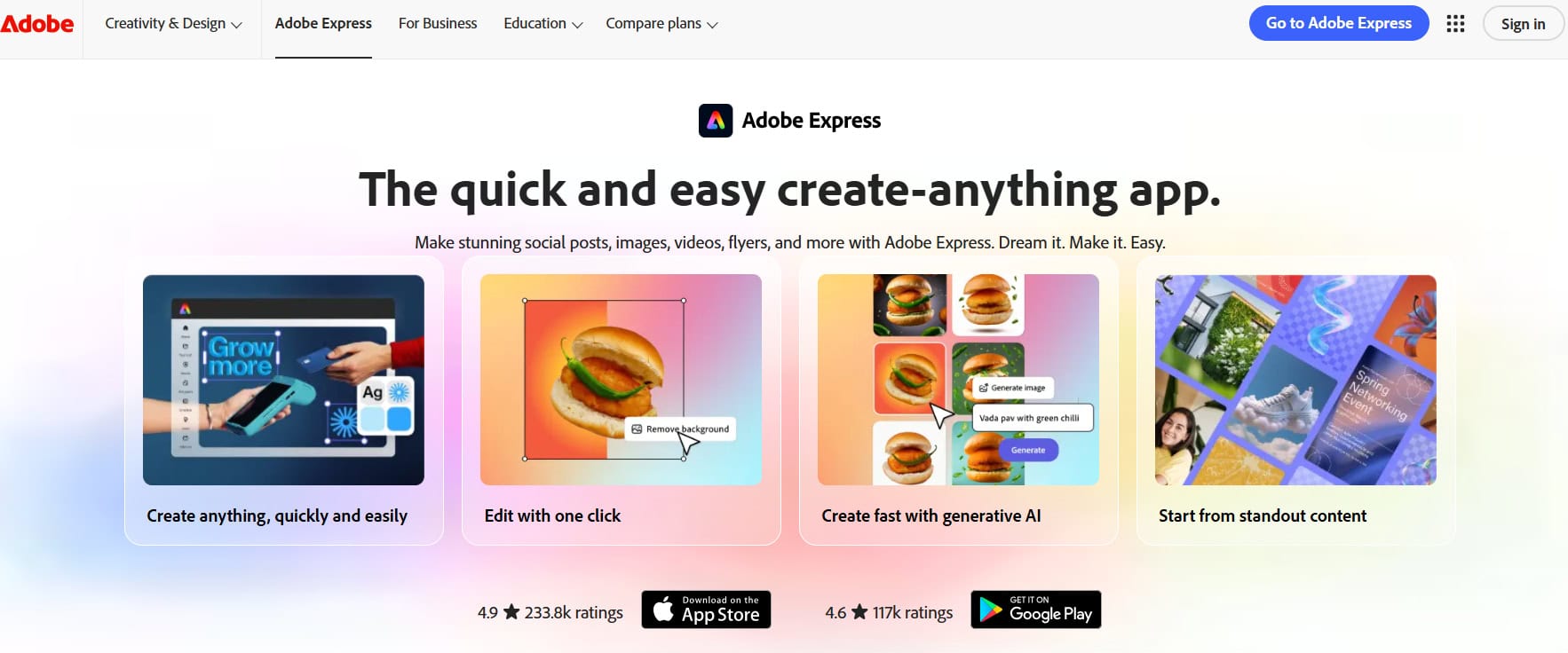
Adobe Express for Education helps you and your students create posters, short videos, web pages, and simple animations without the hassle of learning complicated software. It comes with ready-made templates and royalty-free content, so everything is classroom safe and easy to use. Schools get secure logins and age-appropriate features, which makes it a good choice for creative projects. Students can show their learning in different formats, while you get a fast and flexible way to prepare visuals that support your lessons.
-
Storybird
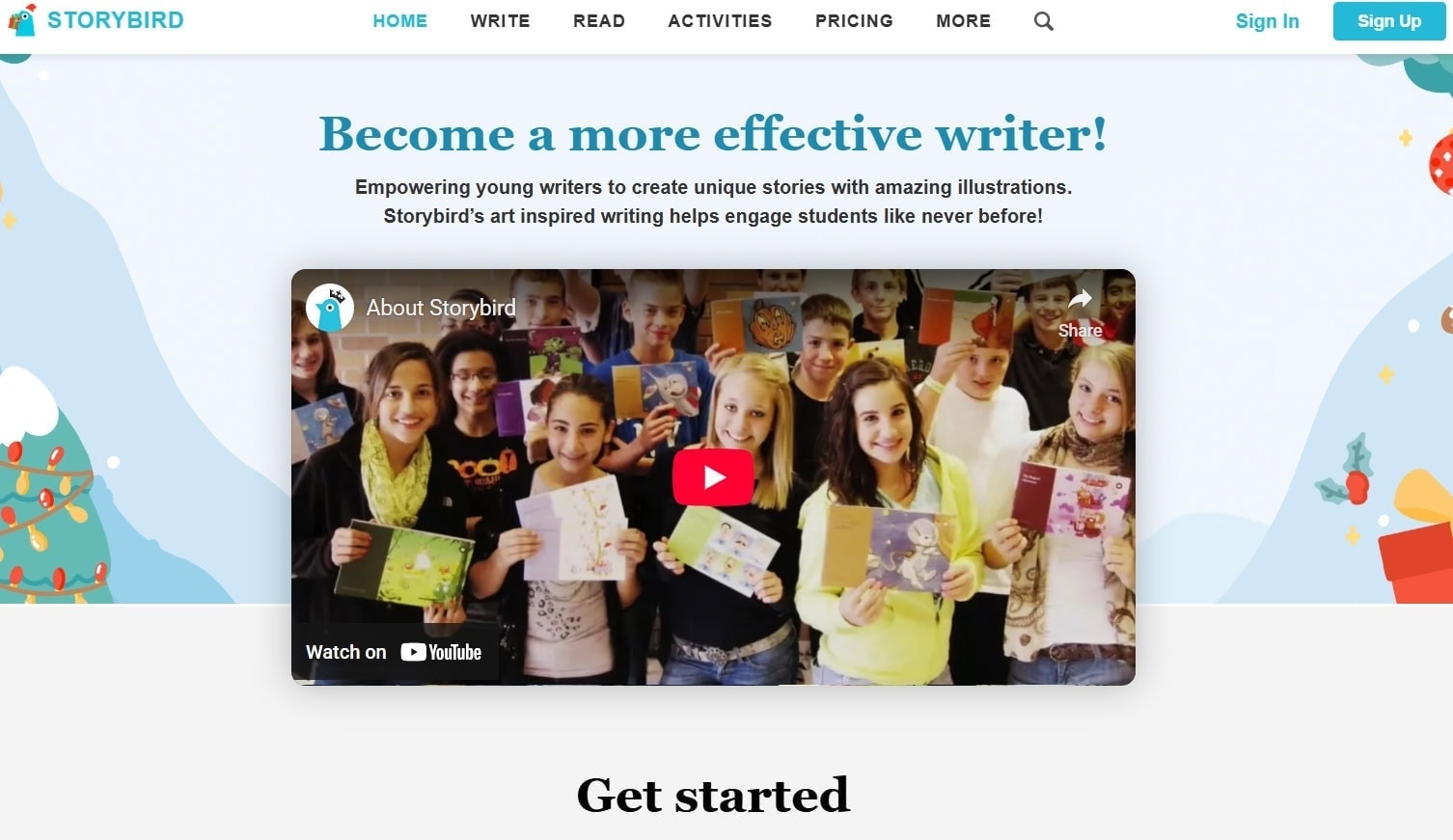
Storybird turns writing into a more visual and engaging experience by letting students create illustrated stories, poems, and comics. You get access to curated artwork, which students use as inspiration for their writing. Inside the platform, you can manage classrooms, set tasks, and give feedback. It’s especially helpful for reluctant writers, as the artwork makes the writing process more playful and less intimidating. It encourages creativity, improves literacy, and gives your students a meaningful reason to revise and reflect on their writing.
-
Edpuzzle
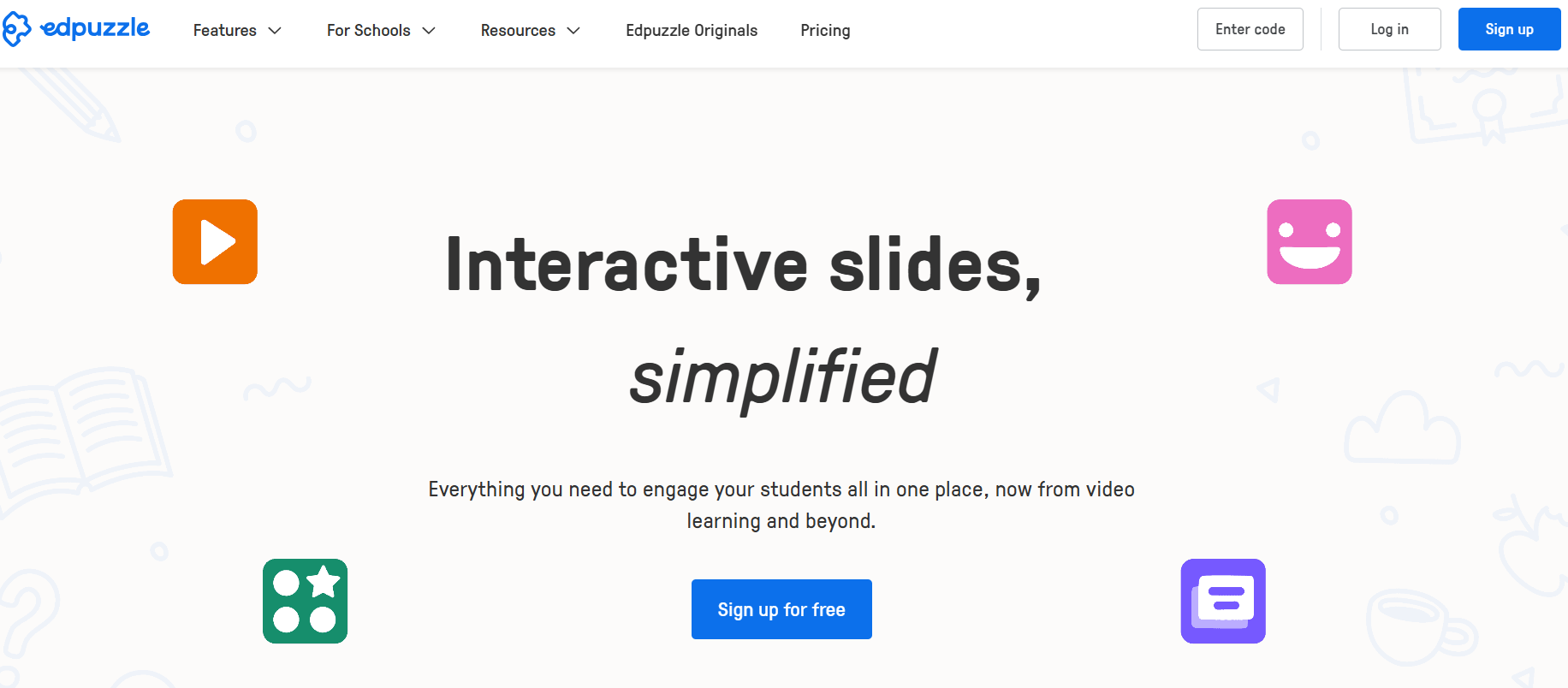
Edpuzzle lets you take any video and turn it into an interactive lesson. You can insert questions, notes, or voice comments into YouTube videos or your own uploads. Students watch the video at their own pace, and it stops automatically for each question. You can track who watched it, what they understood, and where they got stuck. This makes videos a powerful learning tool instead of just something to watch. It works great for flipped classrooms or pre-lesson checks without losing visibility into student engagement.
Professional Development & Resources
-
Sandbox
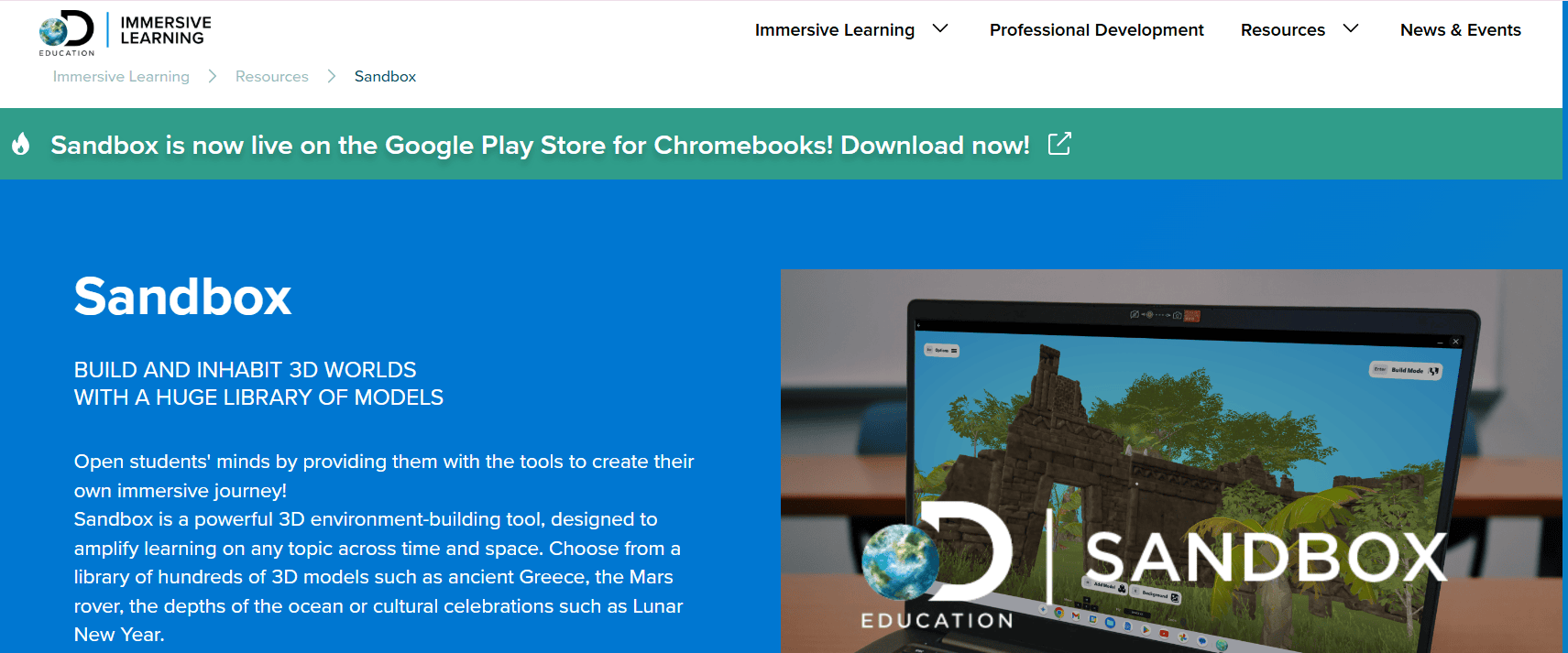
Sandbox environments give you a space to try new tools, strategies, or tech ideas without worrying about making mistakes. These digital spaces are built for exploration and hands-on practice, which makes them ideal for teacher training and project-based learning. You can test out a lesson, build a new activity, or try coding without any risk. Sandboxes are useful for experimenting before bringing something into the actual classroom, giving you more confidence to try something new.
-
ReadWorks
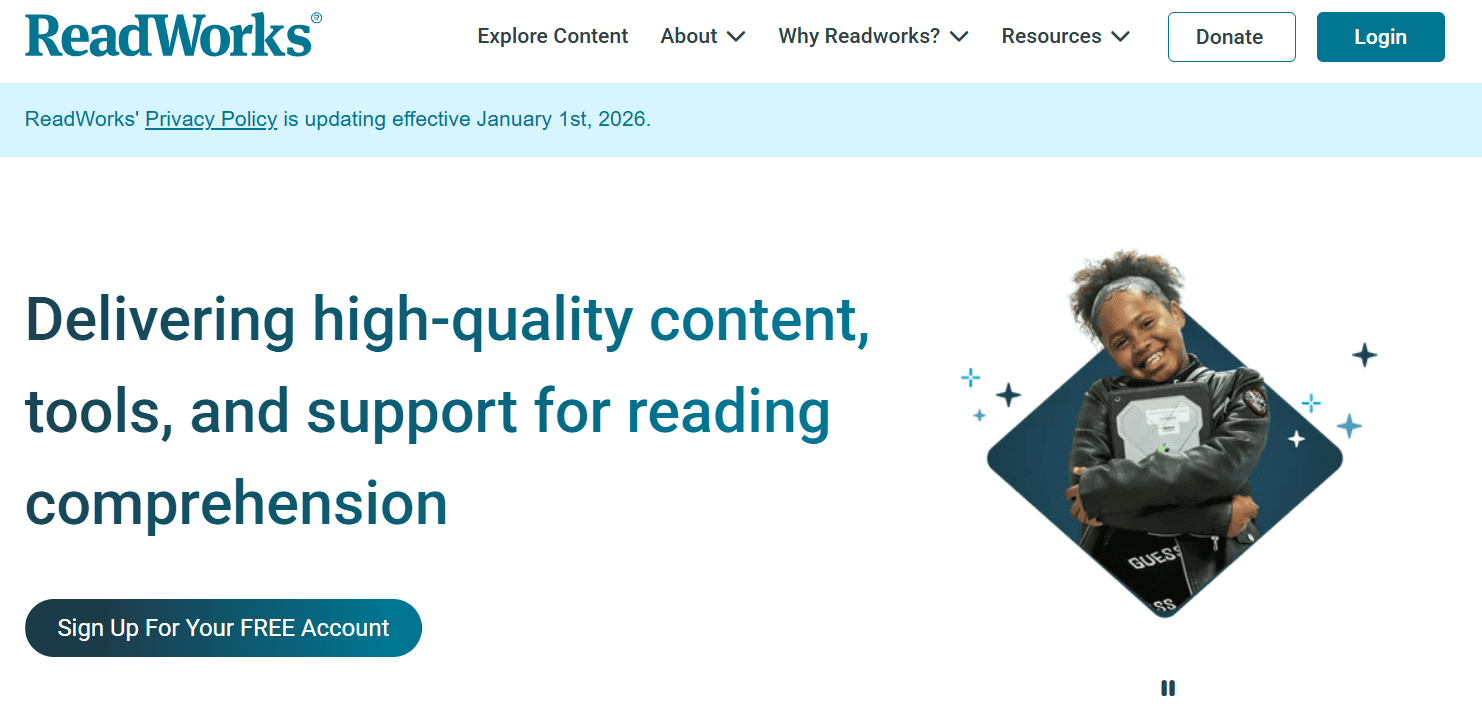
ReadWorks offers free, research-backed reading passages with built-in supports like vocabulary hints, audio narration, and comprehension questions. You can search by grade, topic, or reading level, and assign texts directly to students. It’s especially helpful for reaching diverse learners and saving planning time. All the materials are aligned with academic standards and designed to build reading comprehension across subjects. Whether you’re teaching a reading skill or building background knowledge, this is a solid resource to keep in your toolkit.
-
AP Classroom
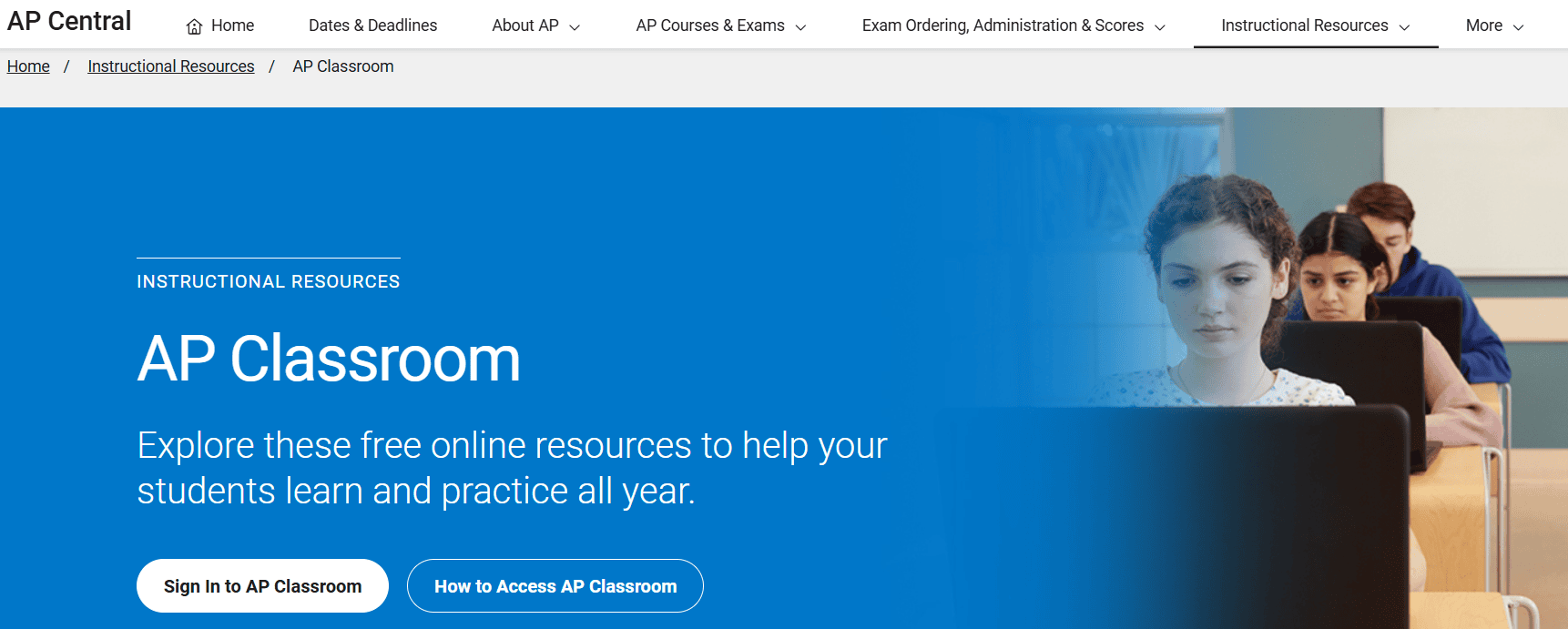
AP Classroom is designed to help you and your students stay on track throughout the AP course. It offers progress checks, AP Daily videos, and a massive question bank filled with real exam items. You can build custom quizzes, track performance topic by topic, and identify where students need more support. Everything is structured to align with the AP curriculum, which helps you simplify lesson planning and prep students for the exam without starting from scratch.
-
Khan Academy
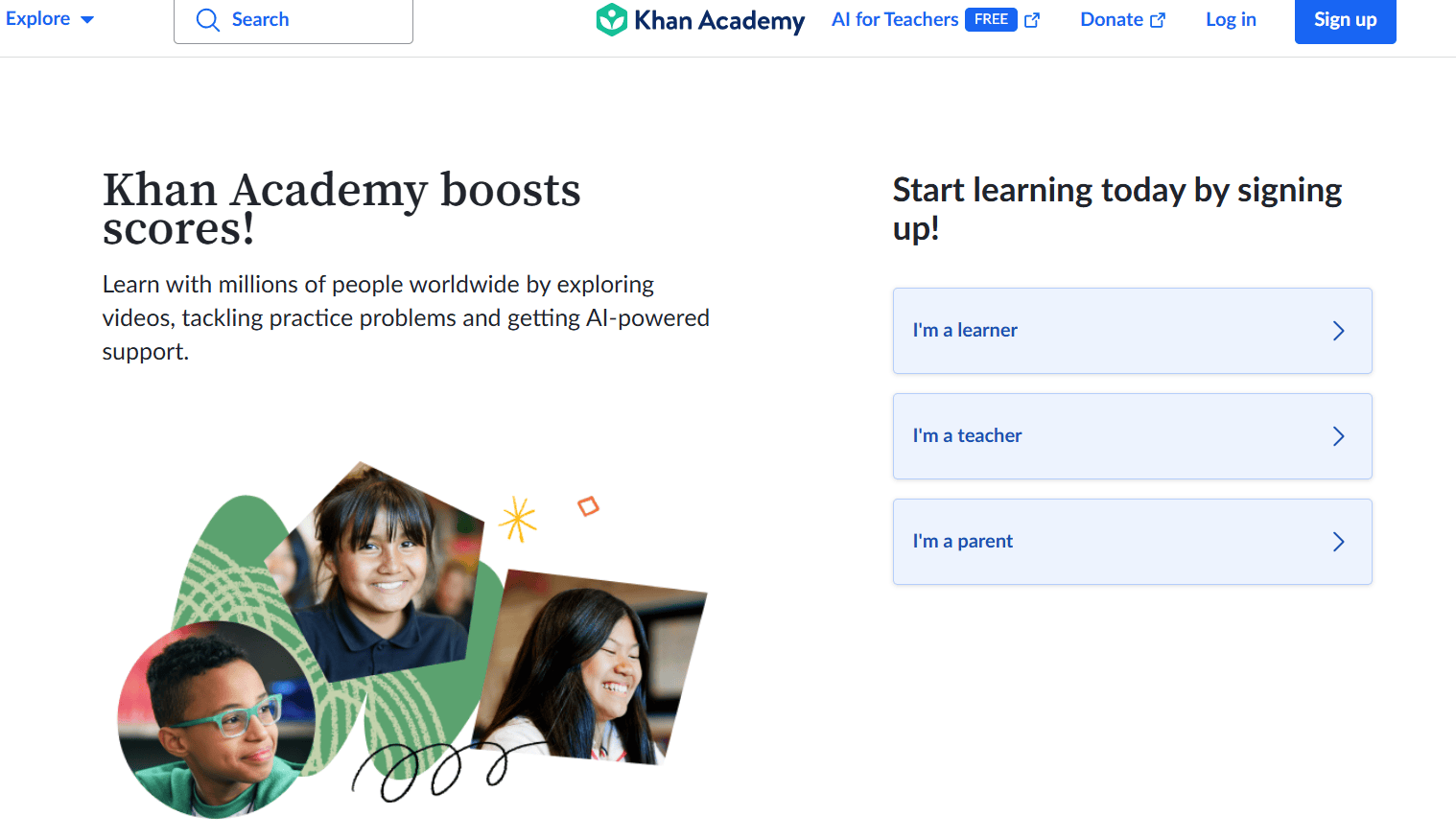
Khan Academy gives you and your students access to free lessons, exercises, and progress tracking across a wide range of subjects. You can assign specific skills, monitor growth, and identify where students need more help from a single dashboard. With tools like Khanmigo, their AI-based tutor, students also get guided practice when you’re not available.
-
Teachers Pay Teachers (TPT)
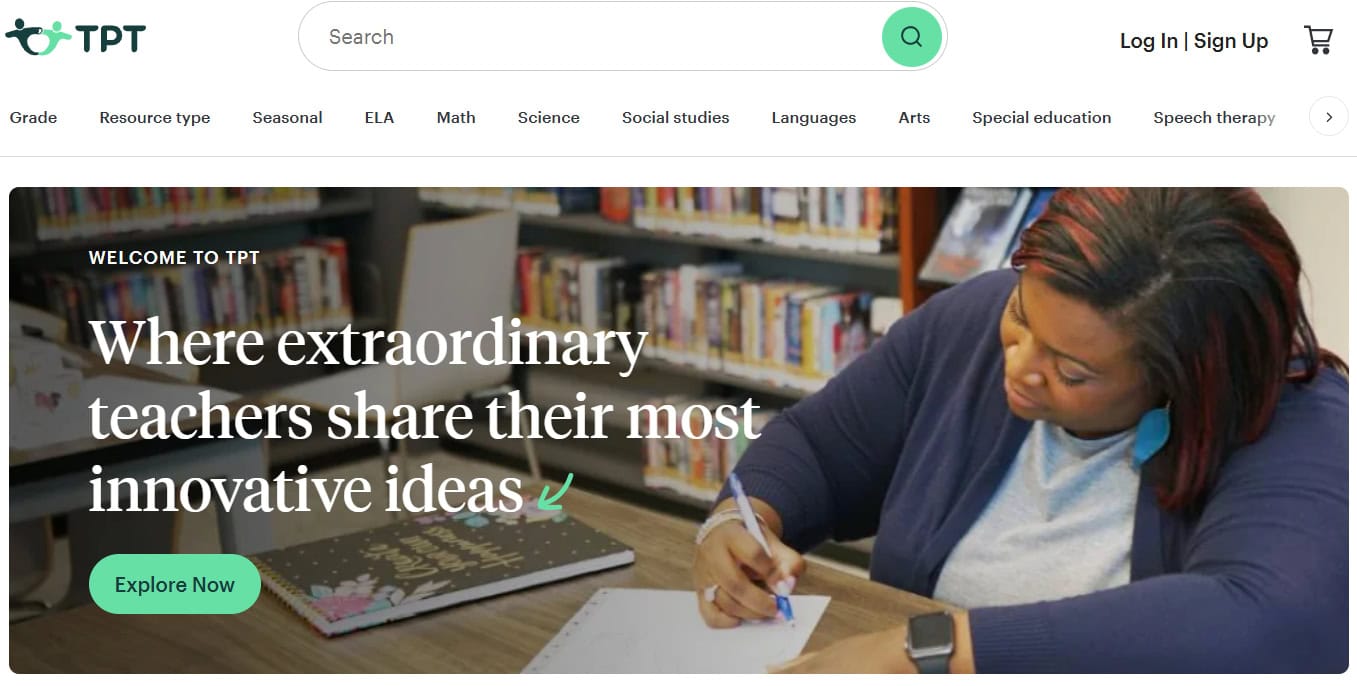
TPT is an online marketplace where educators share and sell classroom-tested resources like lesson plans, activities, worksheets, and decor. You can find exactly what you need by grade, subject, or standard, which saves you time and brings fresh ideas to your planning. The resources are created by other teachers, so they’re practical and classroom-ready. If you like creating your own materials, you can also share them here and earn some extra income while helping fellow educators.
How to Choose the Right Tool
-
Define Teaching Goals and Classroom Needs
Start by thinking about what you want the tool to help you achieve. Are you trying to check understanding, build engagement, or support individual learning? Once your goals are clear, it becomes easier to choose a tool that fits your lesson. Also think about what your students need. Every class is different, so pick something that supports your teaching style and helps students stay involved.
-
Consider Age Group and Subject Matter
What works for one age group may not work for another. Younger students may need simpler tools with visuals and games, while older students may benefit from tools that support writing or analysis. Also check if the tool fits the subject you’re teaching. A math tool might not be as useful in a literature class. Match the tool to your classroom context so it actually supports learning.
-
Evaluate Cost, Ease of Use, and Integration Options
Before trying out a new tool, check how easy it is to set up and use. You don’t want to spend all your prep time figuring out the basics. If the tool costs money, see if it fits within your school’s budget or if there’s a free version. Also check if it works smoothly with platforms you already use, like Google Classroom or Microsoft Teams. This makes it easier to manage everything in one place.
-
Check Data Privacy and Security
Make sure the tool keeps your students’ information safe. Read the privacy policy and check if it follows safety guidelines for student data. Avoid tools that ask for too much personal information or store data without clear permission. If your school has its own tech policies, make sure the tool aligns with them.
-
Look for Tools That Support Both Teachers and Students
Some tools only focus on one side. But the best ones help both teachers teach better and students learn better. Choose tools that make your job easier without adding extra stress. Look for features that let you track progress, give feedback, and adjust instruction. At the same time, make sure the tool feels friendly and useful for students, so they actually enjoy using it.
Closing Thoughts
With so many tools available today, teaching can feel a lot smoother when you know what to pick and why. The right tool can save you time, keep your class engaged, and help you stay organised without adding extra pressure. As you explore different options, focus on what truly supports your teaching style and your students’ needs. A few well-chosen tools can make each day in the classroom more manageable and a lot more enjoyable.

Anurag Bhagsain is the Founder of Interactico. With a background in SaaS, product development, and automation, he is focused on solving real world problems, especially to make meetings truly interactive. With a love for blogging, he shares practical tips on audience interaction, polls, Q&A, and meeting best practices, turning them into simple, actionable ideas. Off hours, he enjoys coding and gaming.